User Profiles
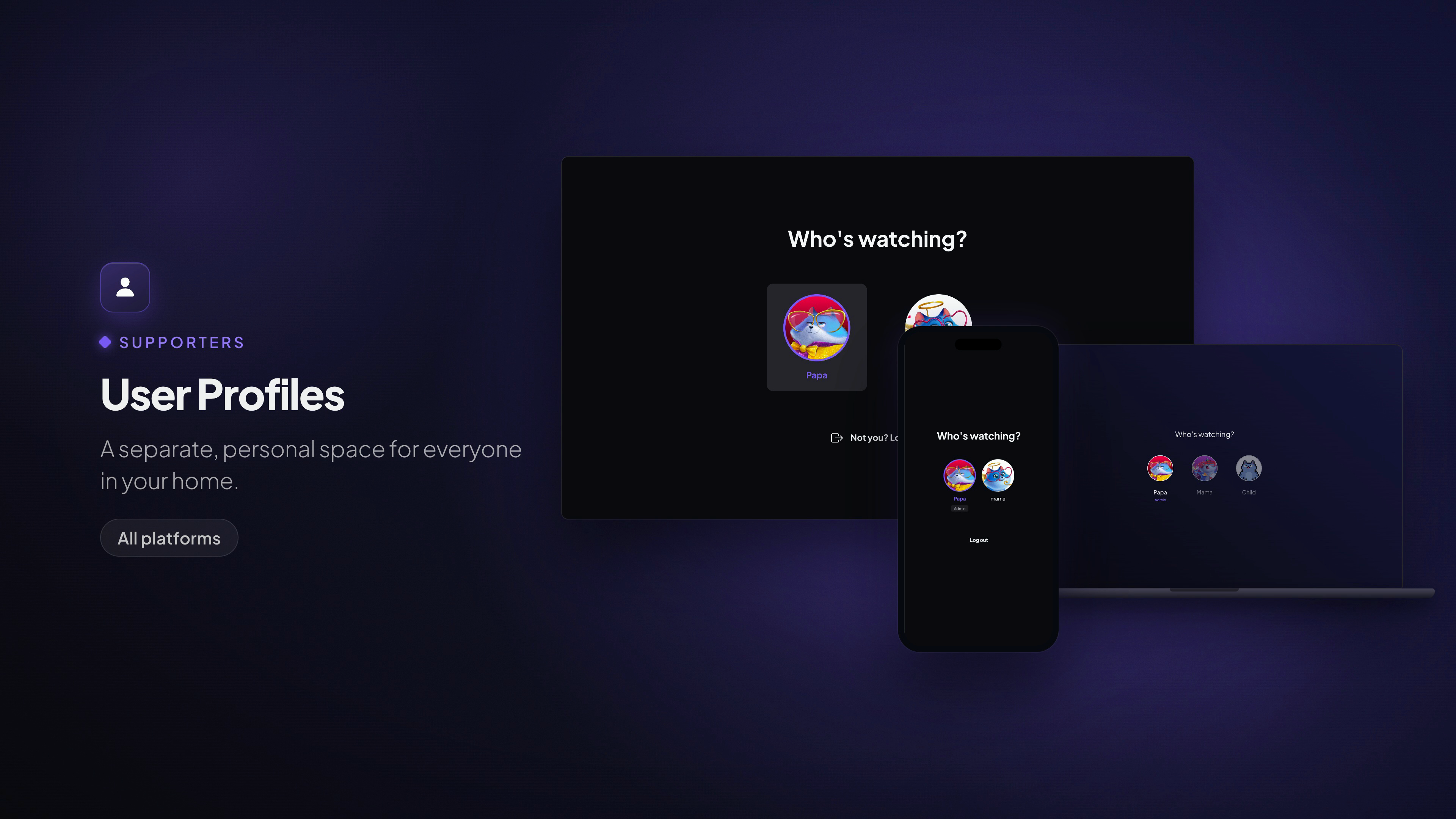
A separate, personal space for everyone in your home.
Available on: All platforms
What it does
One Stremio account, a profile for each person. Every profile is its own space — its own add-ons, its own content layout, its own recommendations — so what one person watches never clutters anyone else's discovery rows.
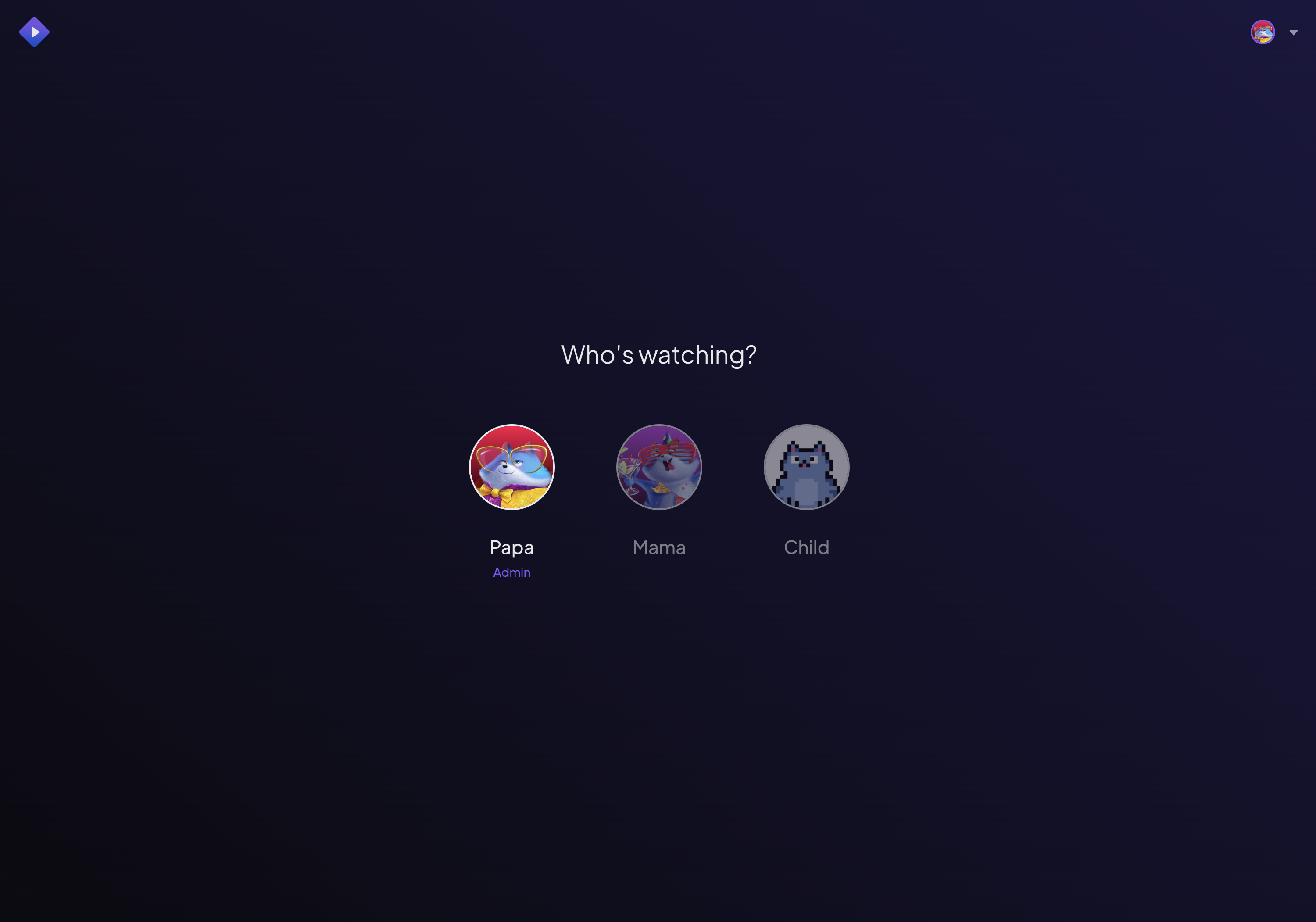
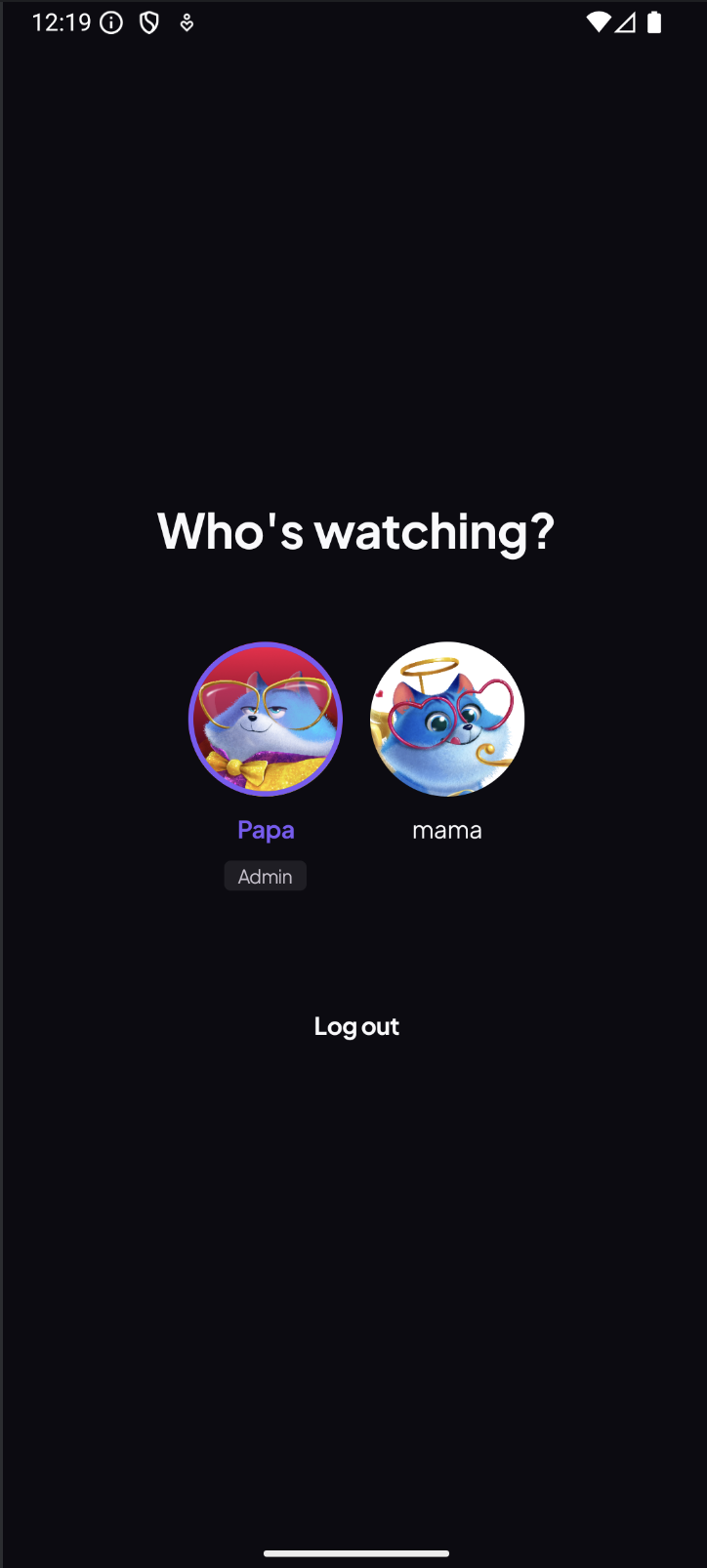
When you open Stremio, you pick who's watching and land straight in your own setup. PIN-protected profiles stay private; child profiles stay safe.
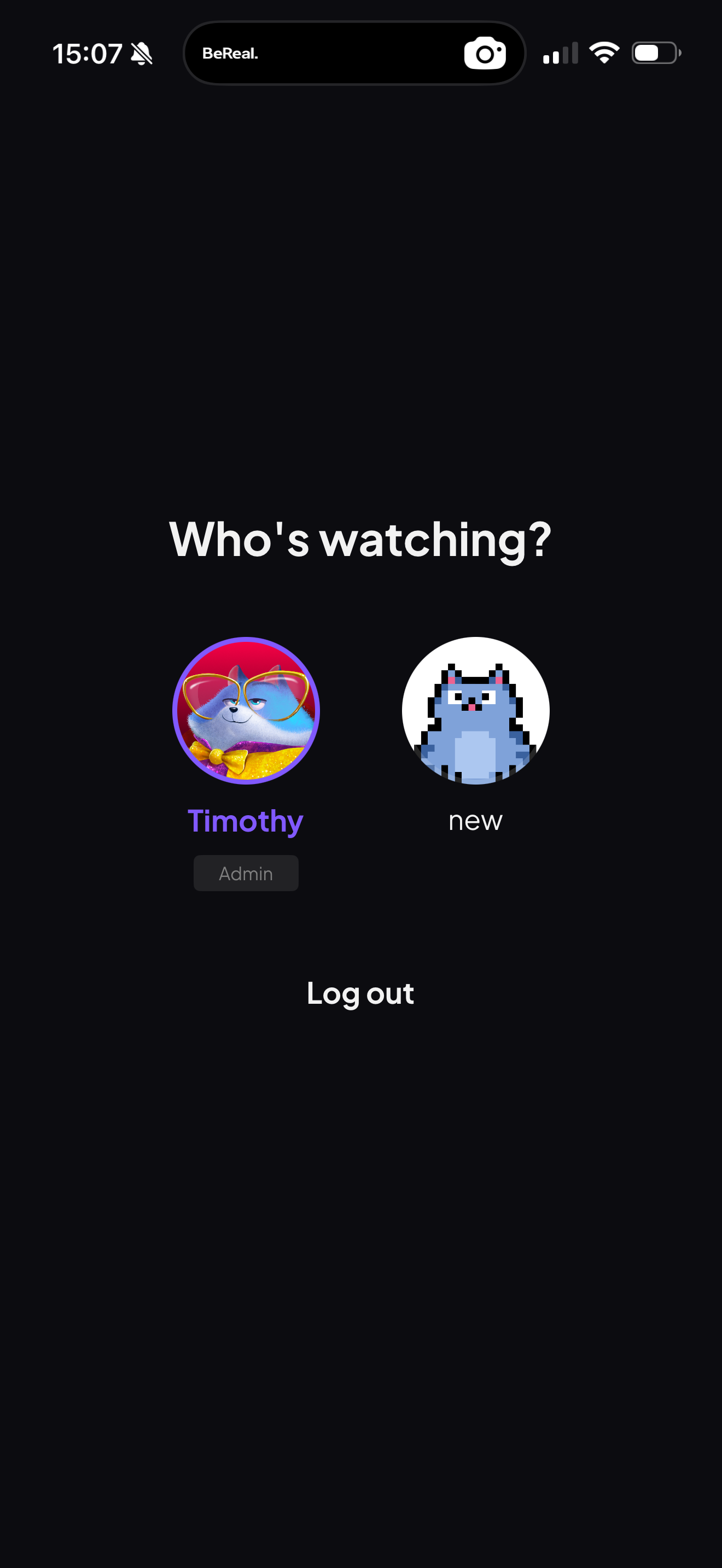
The same screen on mobile — an Admin profile and a second profile, each with its own avatar:
How to use it
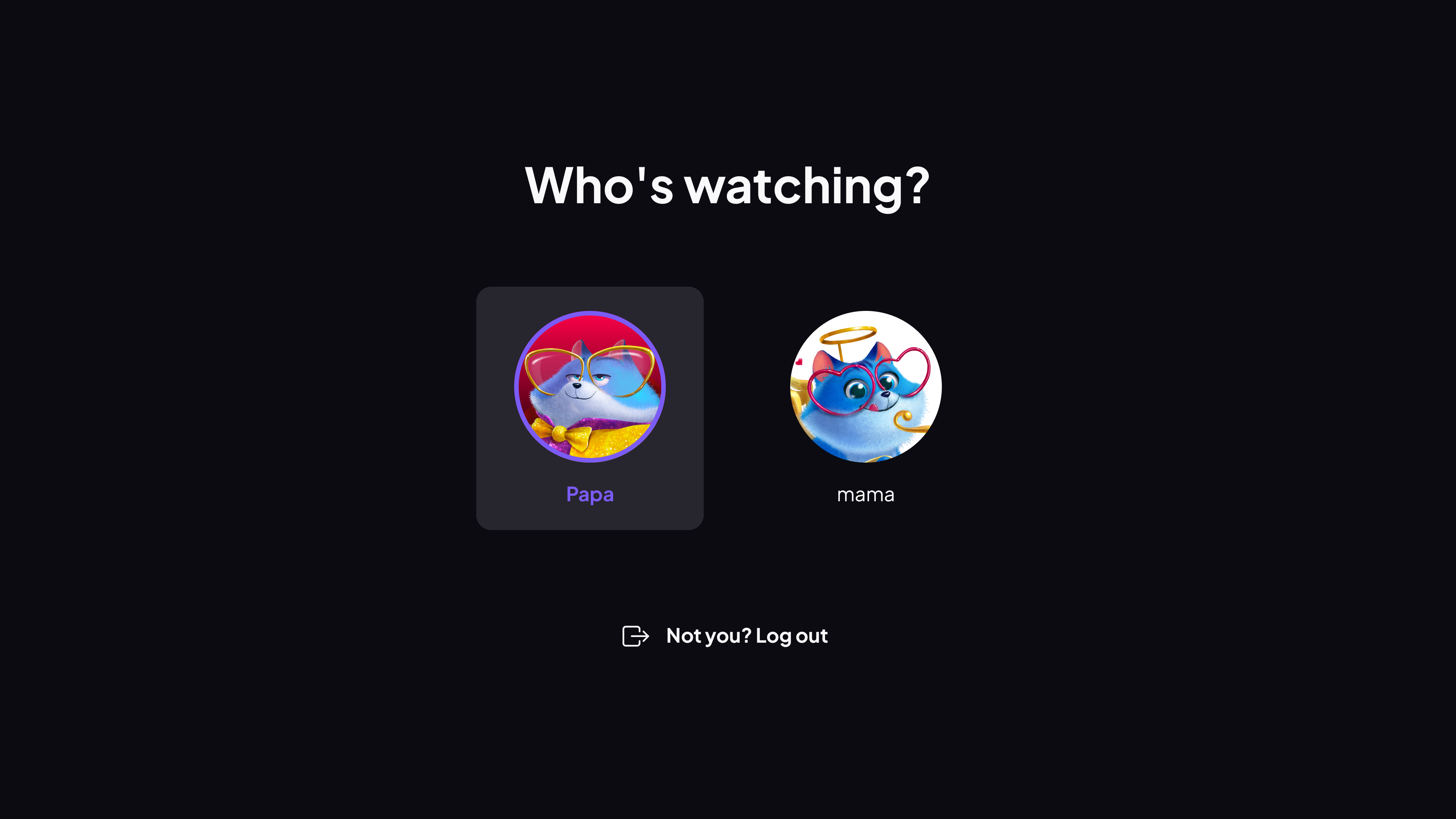
- On launch (or from the profile switcher), choose your profile from the Who's watching? screen.
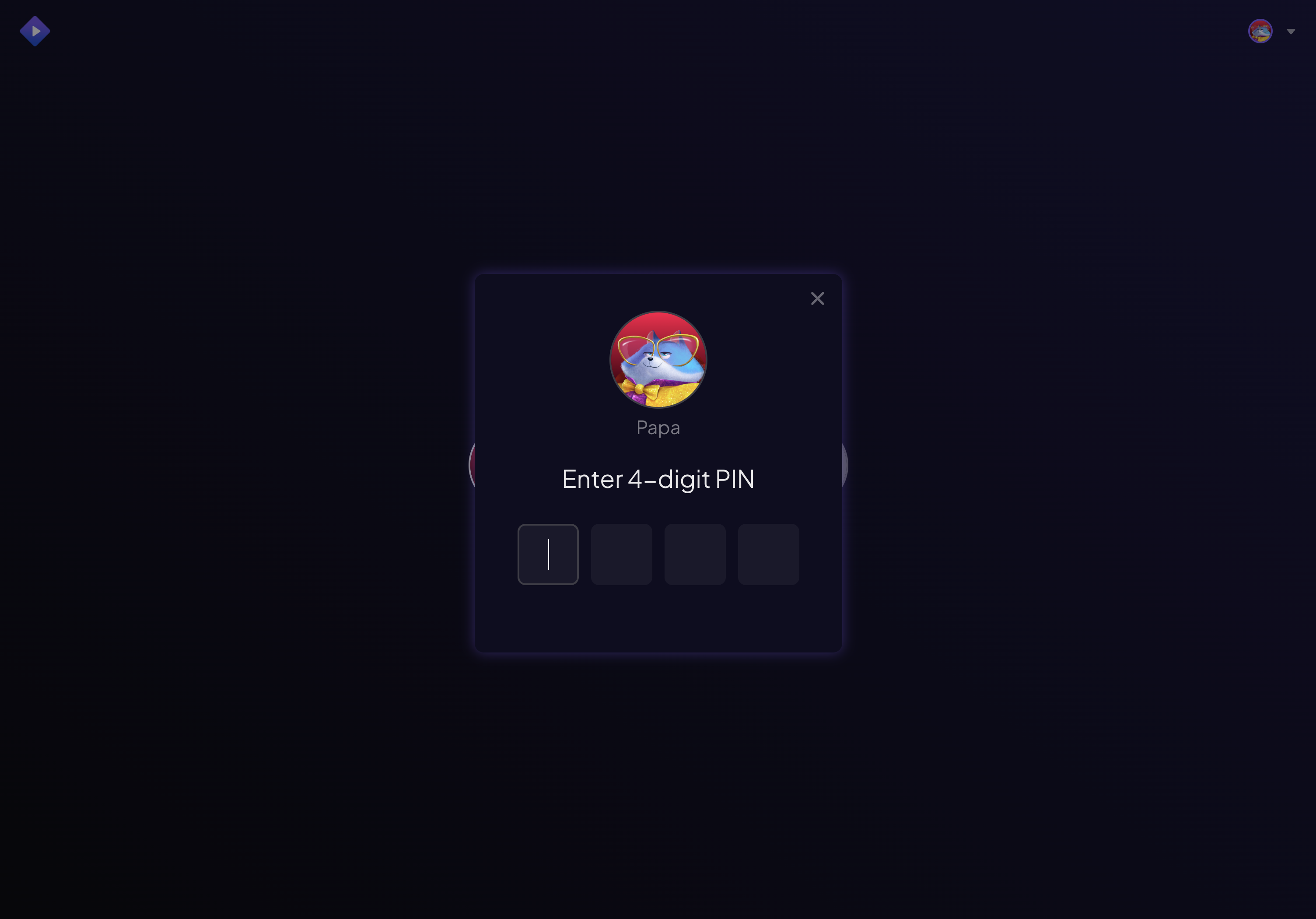
- If the profile is PIN-protected, enter its 4-digit PIN.
- You're in your own space — your add-ons, your catalogs, your recommendations.
Switching profiles works the same way everywhere — Web, Desktop, Mobile and TV:
Note: Selecting and switching profiles works on every platform. Creating, editing and PIN-protecting them is done in Profiles Management on Desktop or mobile.