Skip Intro & Outro

Jump past recaps and credits with a single tap.
Available on: All platforms — Web · Desktop · Mobile · TV · VR
What it does
When you reach the opening or closing credits of an episode, a Skip button appears in the player at exactly the right moment. One tap jumps you straight past the intro, recap or end credits — no scrubbing, no guessing.
The timing for each intro and outro is provided by Stremio, so the button shows up at the precise frame the skippable segment begins and disappears once it's over.
How to use it
- Start watching an episode.
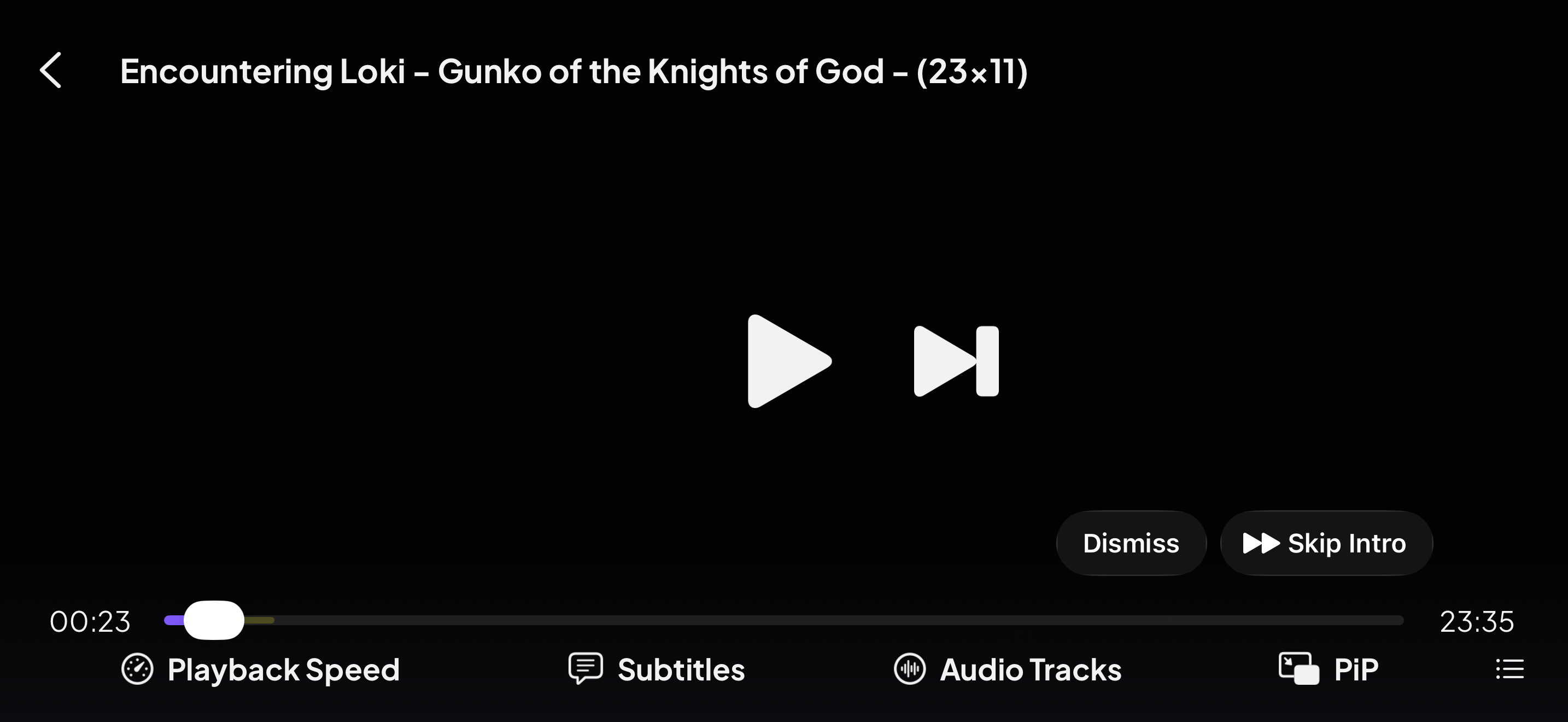
- As the intro (or outro) begins, a Skip Intro / Skip Outro button slides into the corner of the player.
- Tap it to jump to the end of that segment. Ignore it and it quietly fades after a few seconds so it never covers the action.
The same one-tap Skip Intro button sits in the standard player controls too:
It works in the VR app too — skip the credits without reaching for a controller.
Note: Pairs naturally with binge-watching: skip the credits, and Stremio rolls into the next episode for you.