Cinemeta Configuration
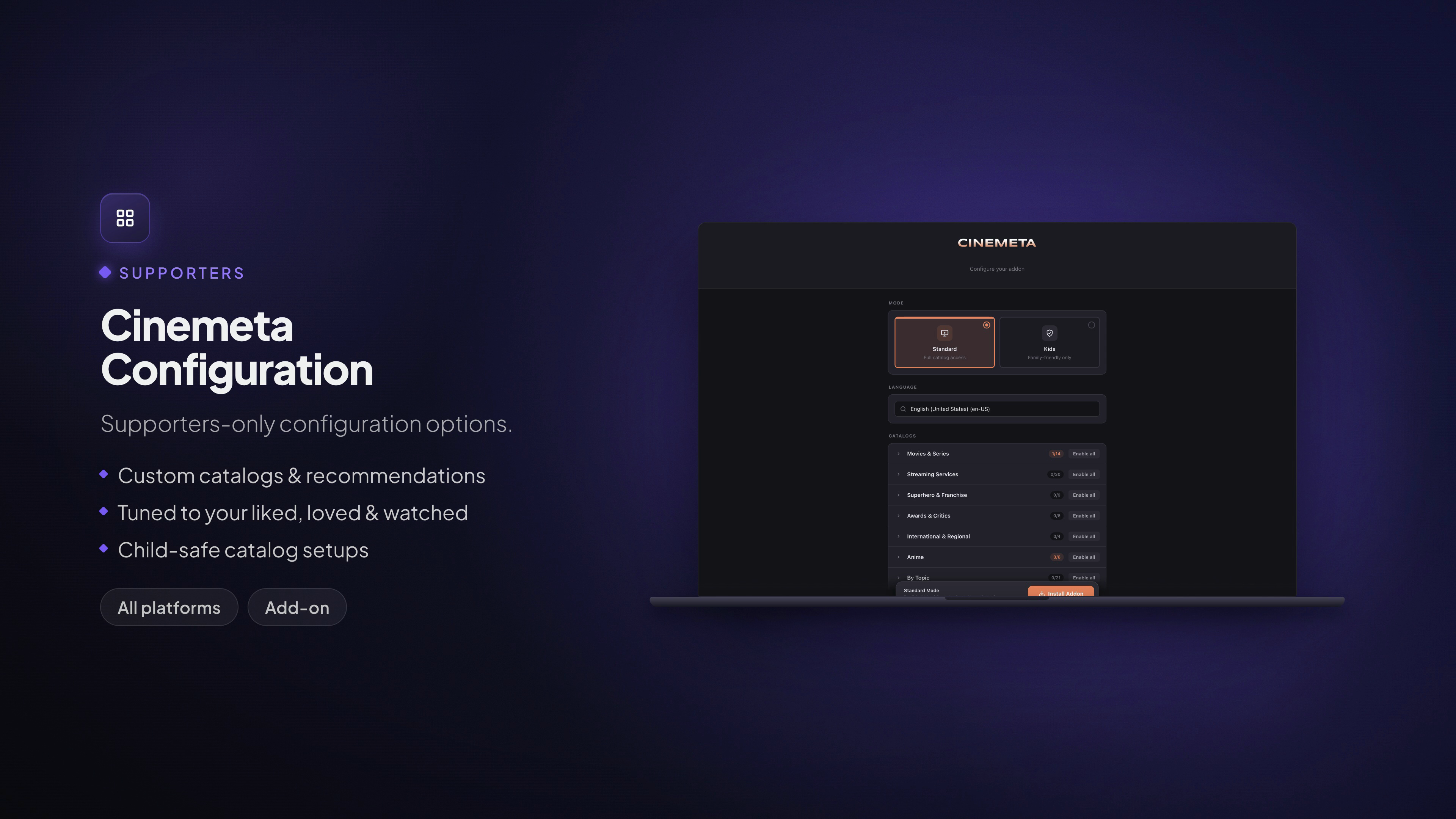
Supporters-only configuration for Stremio's built-in catalogs.
Available on: All platforms (configured once, applies to your whole account)
What it does
Cinemeta is Stremio's official metadata and catalog add-on — the source of the posters, descriptions and discovery rows you see across the app. Supporters can configure it with options that aren't available on the standard add-on:
- Custom catalogs & recommendations — pick exactly which Cinemeta catalogs appear in your discovery rows, from dozens grouped by theme.
- Tuned to your taste — personalized rows like Personalized Suggestions, Watched in Your Area, Liked by Me and Loved by Me, built from what you've watched and rated.
- Child-safe setups — a Kids Mode that filters catalogs to age-appropriate content for a child's age, so a profile for younger viewers only ever sees what's suitable.
- Language — set the language Cinemeta uses for titles and metadata.
How to set it up
- Open Settings → Supporters → Cinemeta Configuration. The Cinemeta configuration tool opens and asks you to Login to Stremio.

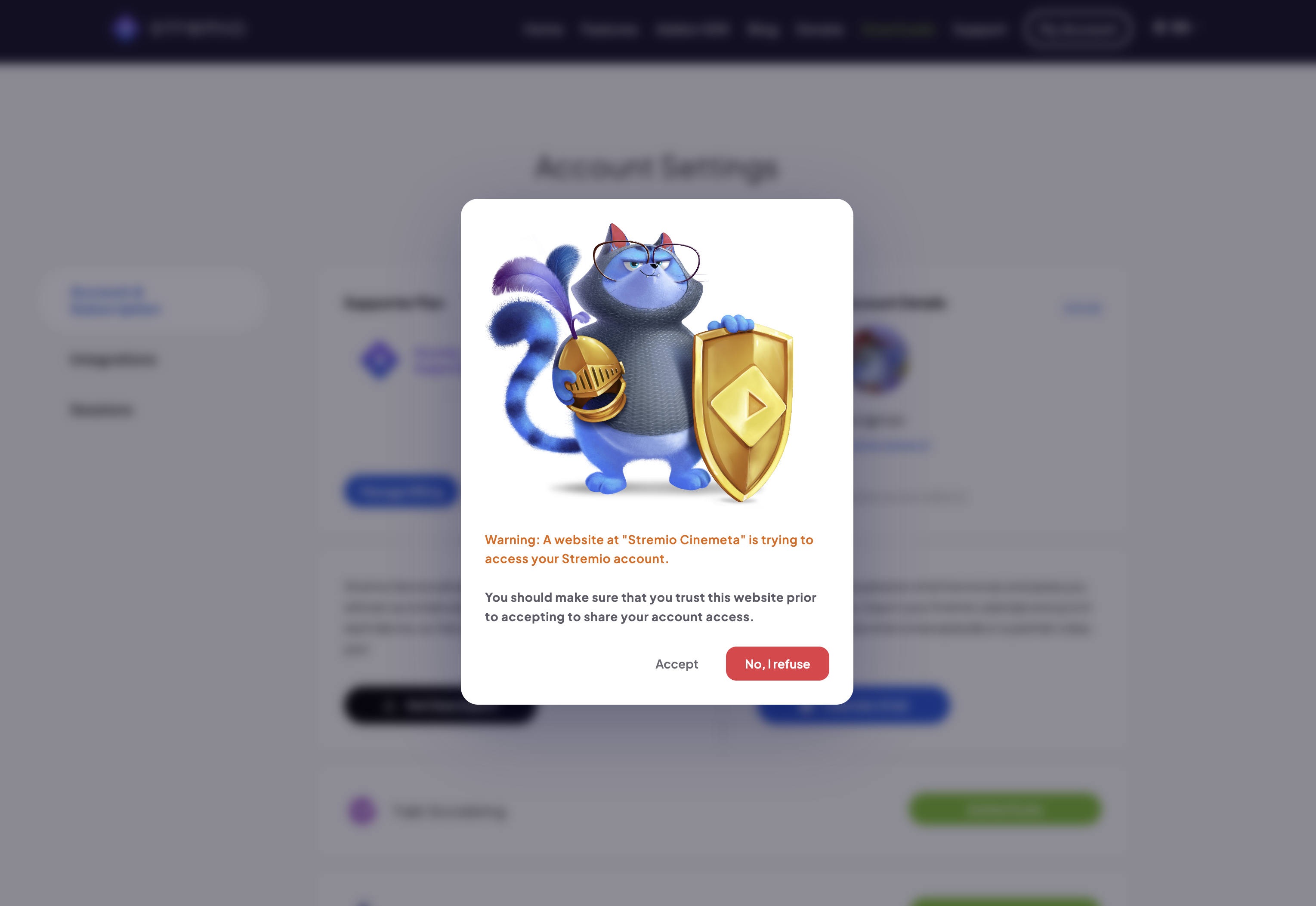
- Authorize the tool to access your account. Stremio shows a consent prompt — confirm it's the Cinemeta tool and accept.
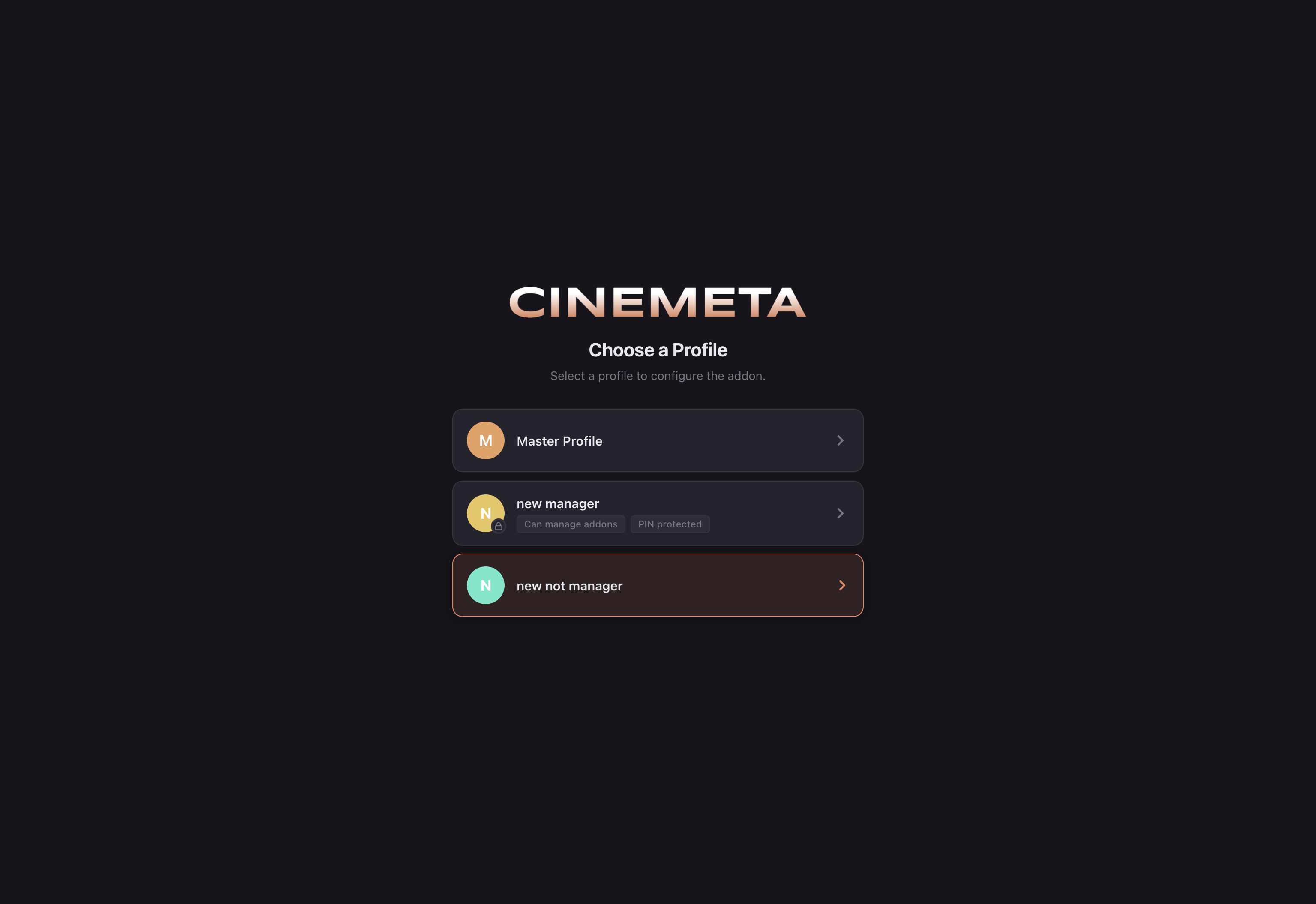
- Choose a profile to configure the add-on for. Each profile can have its own Cinemeta setup — handy for a child-safe profile alongside your own.
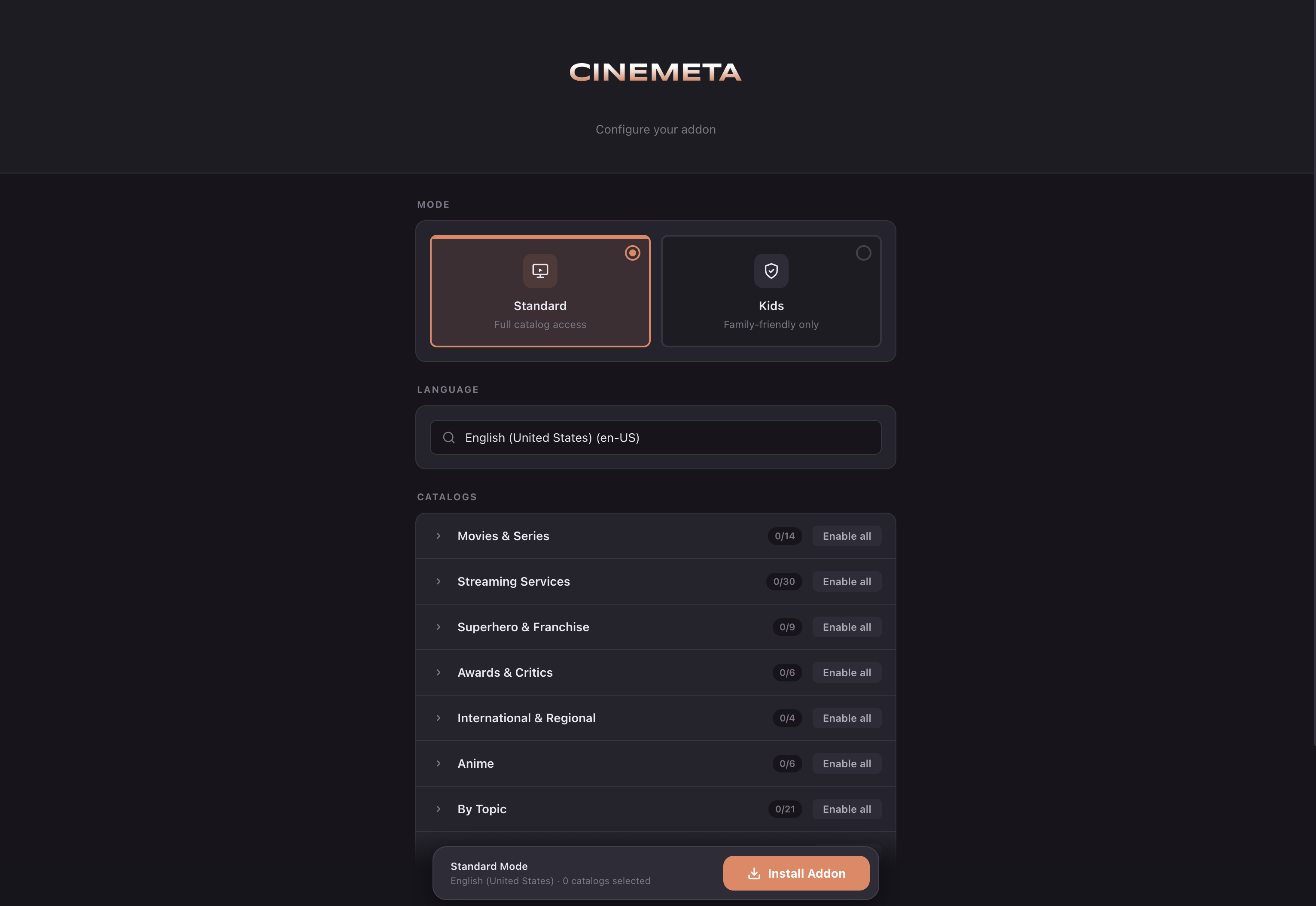
- Configure the add-on. Pick a Mode (Standard or Kids), a Language, then toggle the catalogs you want — individually or Enable all per group (Movies & Series, Streaming Services, Superhero & Franchise, Awards & Critics, International & Regional, Anime, By Topic, and more).
- For a child-safe setup, switch to Kids mode and set the child's age (birth month and year). Catalogs are filtered to age-appropriate content and you get kids-friendly recommendation rows.
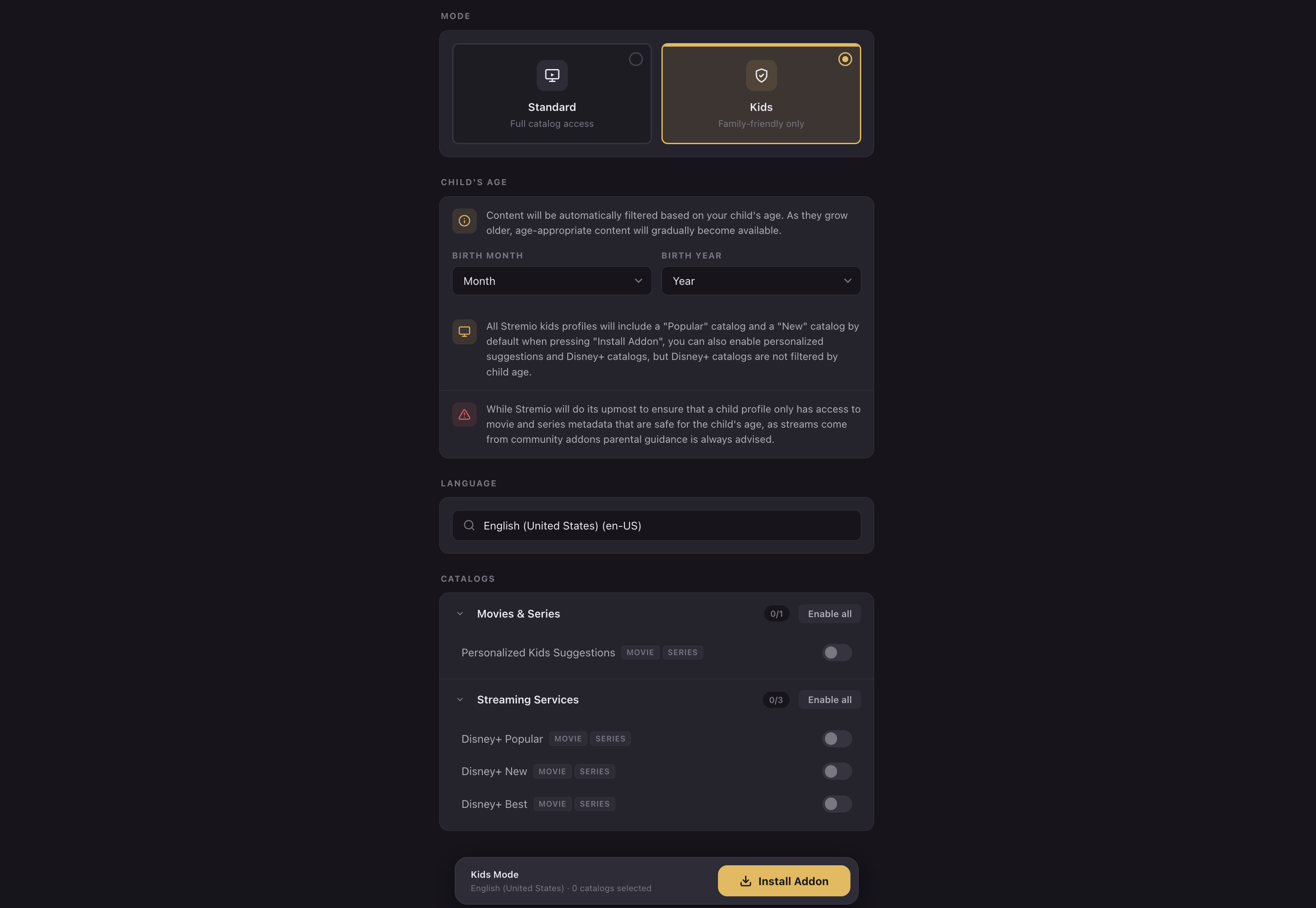
- Click Install Addon. Your configured Cinemeta is saved to your Stremio account, so the tuned catalogs show up on every device you sign into — Web, Desktop, Mobile and TV.
Note: Because this configures an add-on tied to your account, you only set it up once. Pair it with User Profiles to give each person in your home their own recommendations and a child-safe profile for the kids.