Download Manager
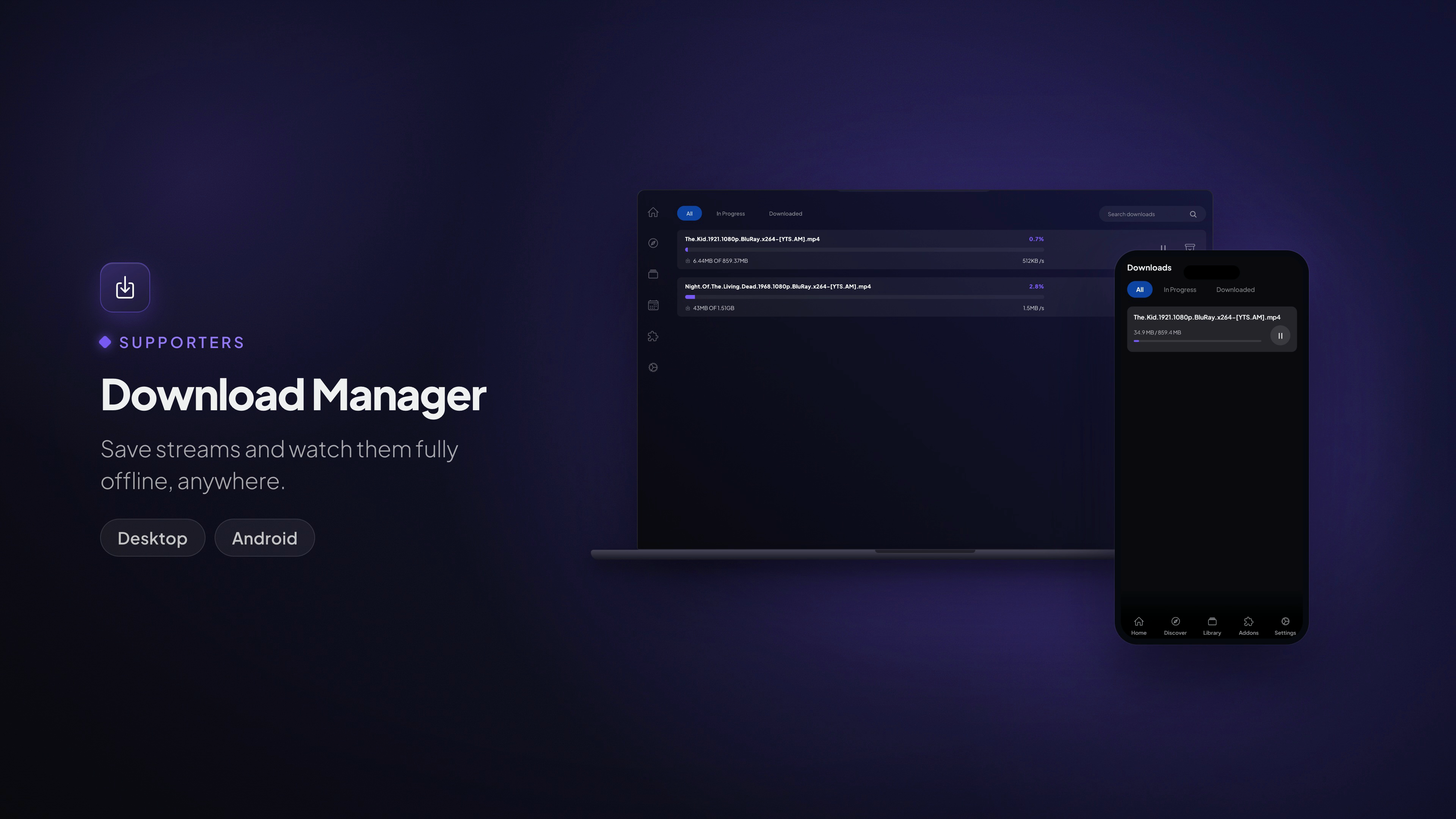
Save streams and watch them fully offline, anywhere.
Available on: Desktop · Mobile (Android & iOS)
What it does
Save any stream to your device and watch it later with no connection — on a flight, a commute, or anywhere the signal drops. The Downloads page is your hub for everything you've saved: live progress, speed, and full control over each file.
You can:
- Download a stream straight from a title's stream list or the player.
- Pause and resume downloads at any time.
- Play offline once a download finishes.
- Delete downloads you no longer need to free up space.
How to start a download
- Open a movie or episode and pick a stream, or start playing it.
- Use the Download action on the stream (or in the player's options menu).
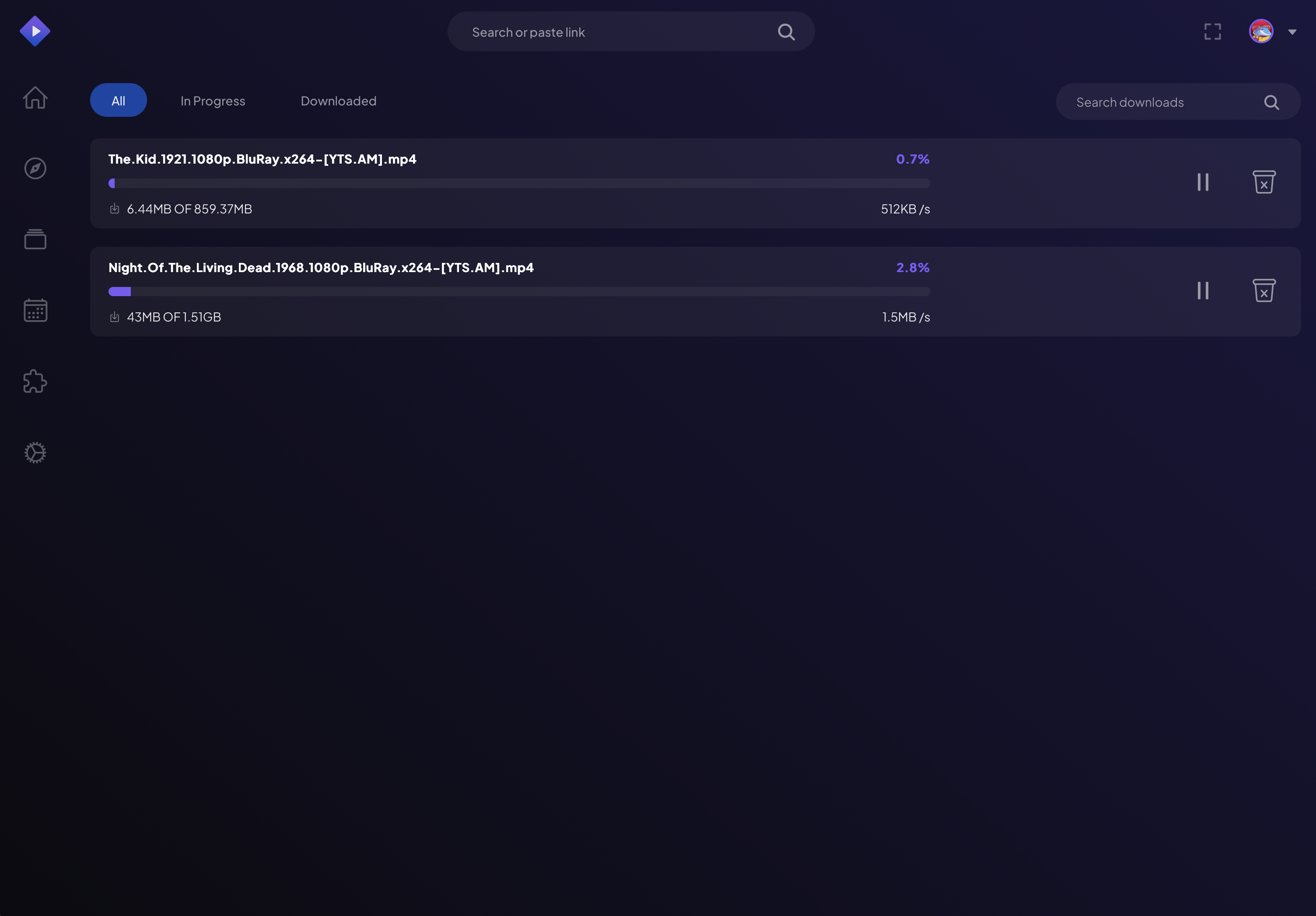
- The download appears on the Downloads page with a live progress bar, speed, and how much of the file has been saved.
Managing your downloads
The Downloads page lists everything you've saved. Each item shows its progress and gives you Pause/Resume, Play and Delete controls. Search and sort to find a specific download quickly.
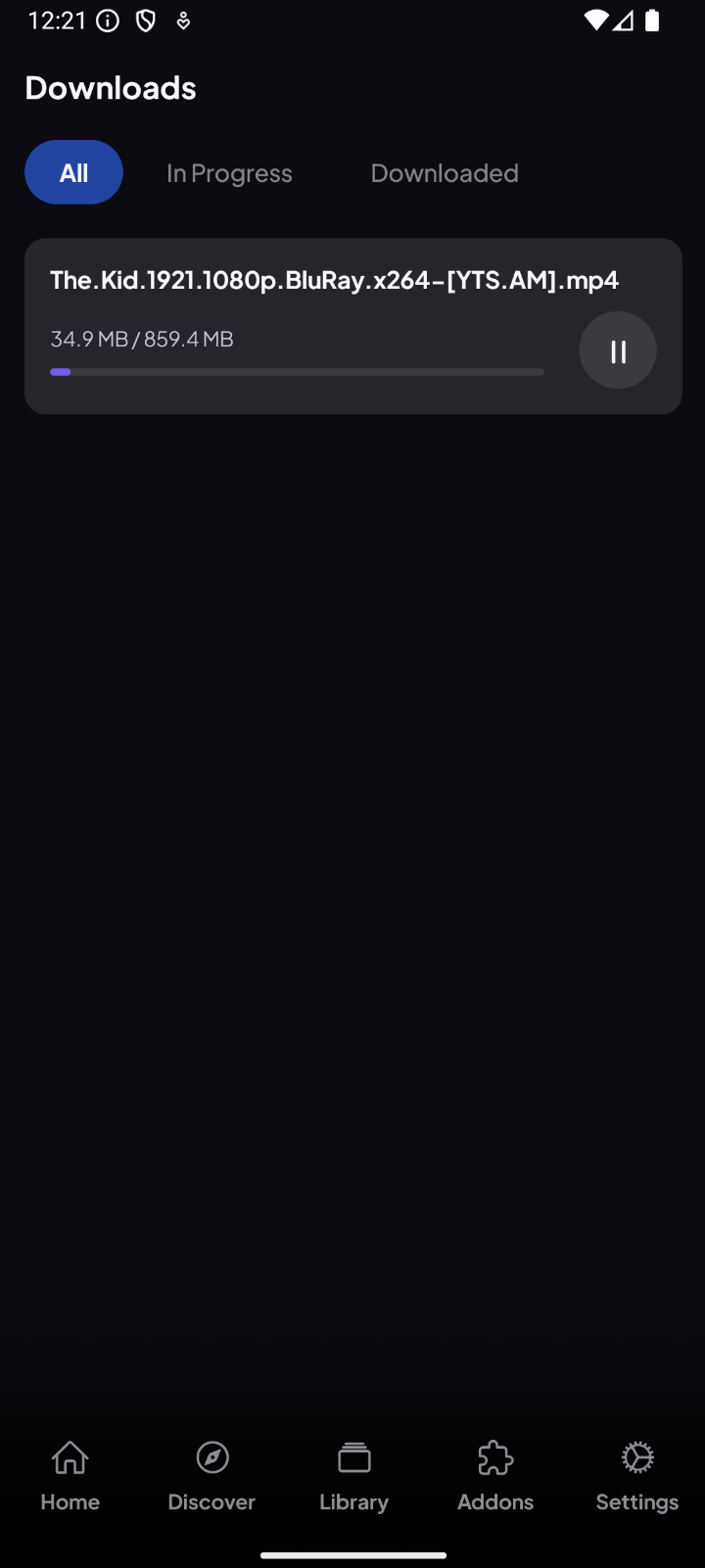
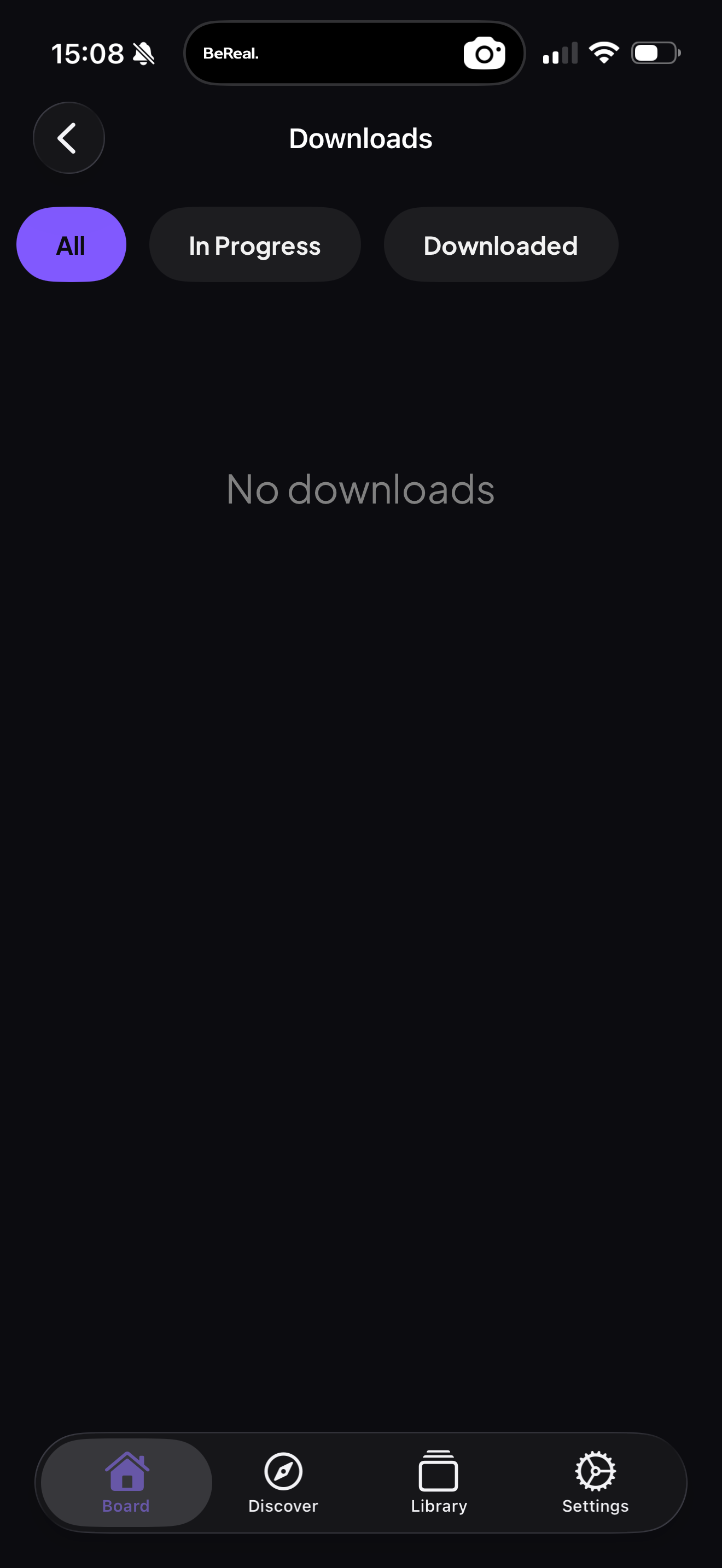
On mobile the same controls travel with you, so your offline library is ready on the go. The Downloads page filters by All, In Progress and Downloaded:
Note: Downloads need the Stremio streaming server running on your device — it's built into the Desktop and mobile apps. Downloads aren't available on TV.