Organize Content
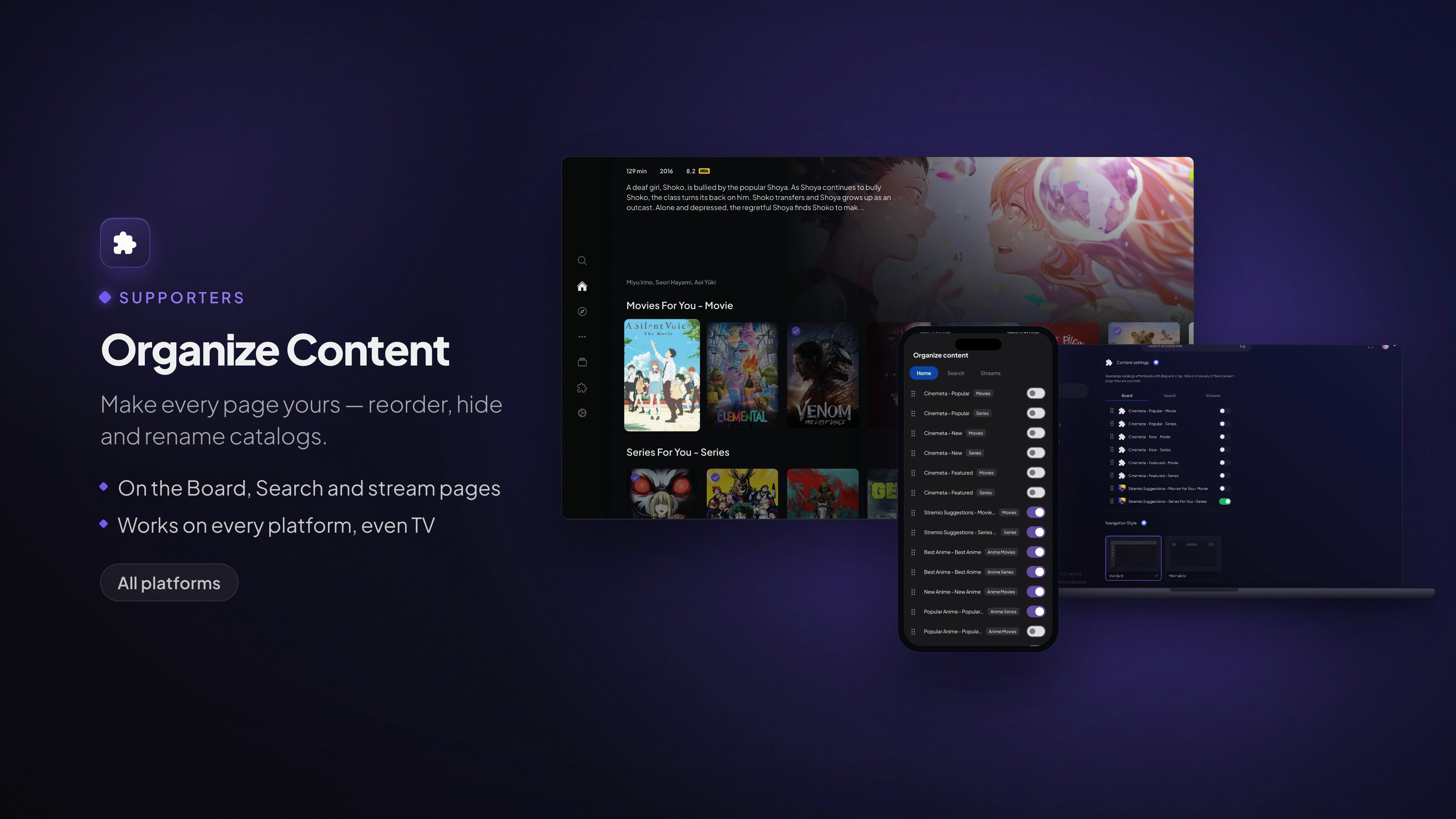
Make every page yours — reorder, hide and rename catalogs.
Available on: All platforms
What it does
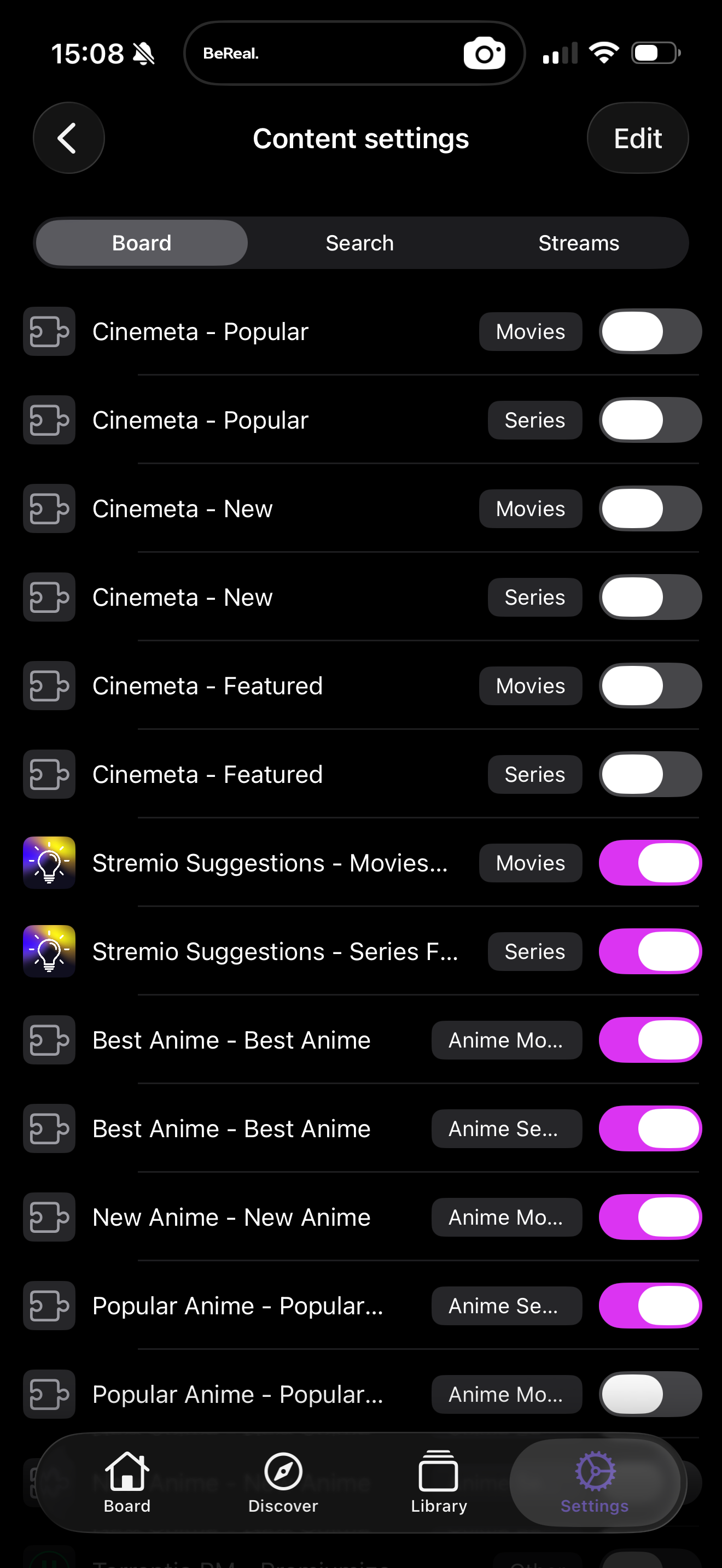
Your add-ons decide which catalogs appear in Stremio. Organize Content lets you decide how they're arranged. For each page you can:
- Reorder catalogs — drag the rows you care about to the top.
- Hide catalogs — remove clutter and duplicates you never use.
- Rename catalogs — give a row a title that means something to you.
It applies across the pages where catalogs show up:
- The Board (your home page)
- Search
- The stream lists on a title's detail page
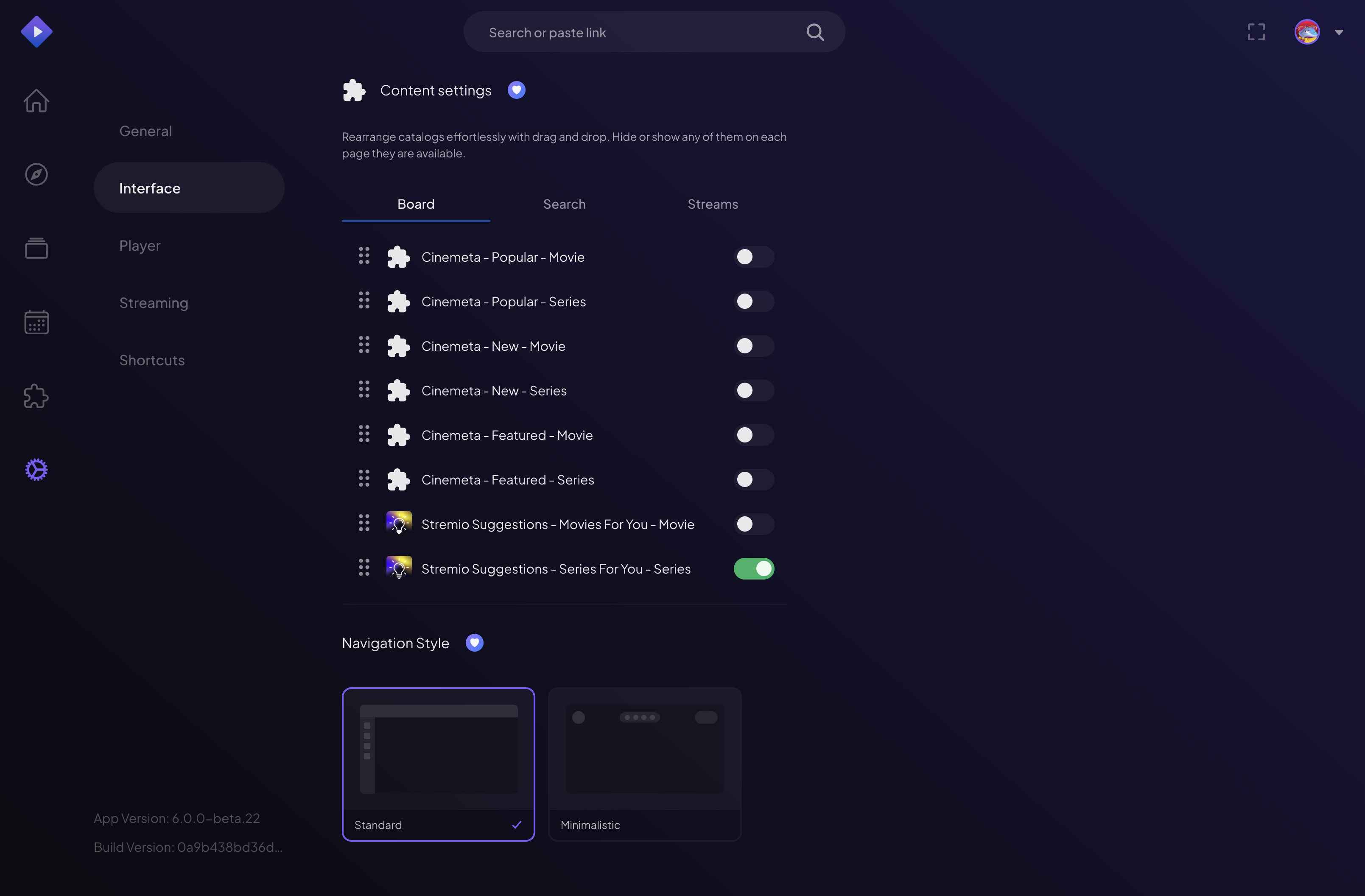
How to use it
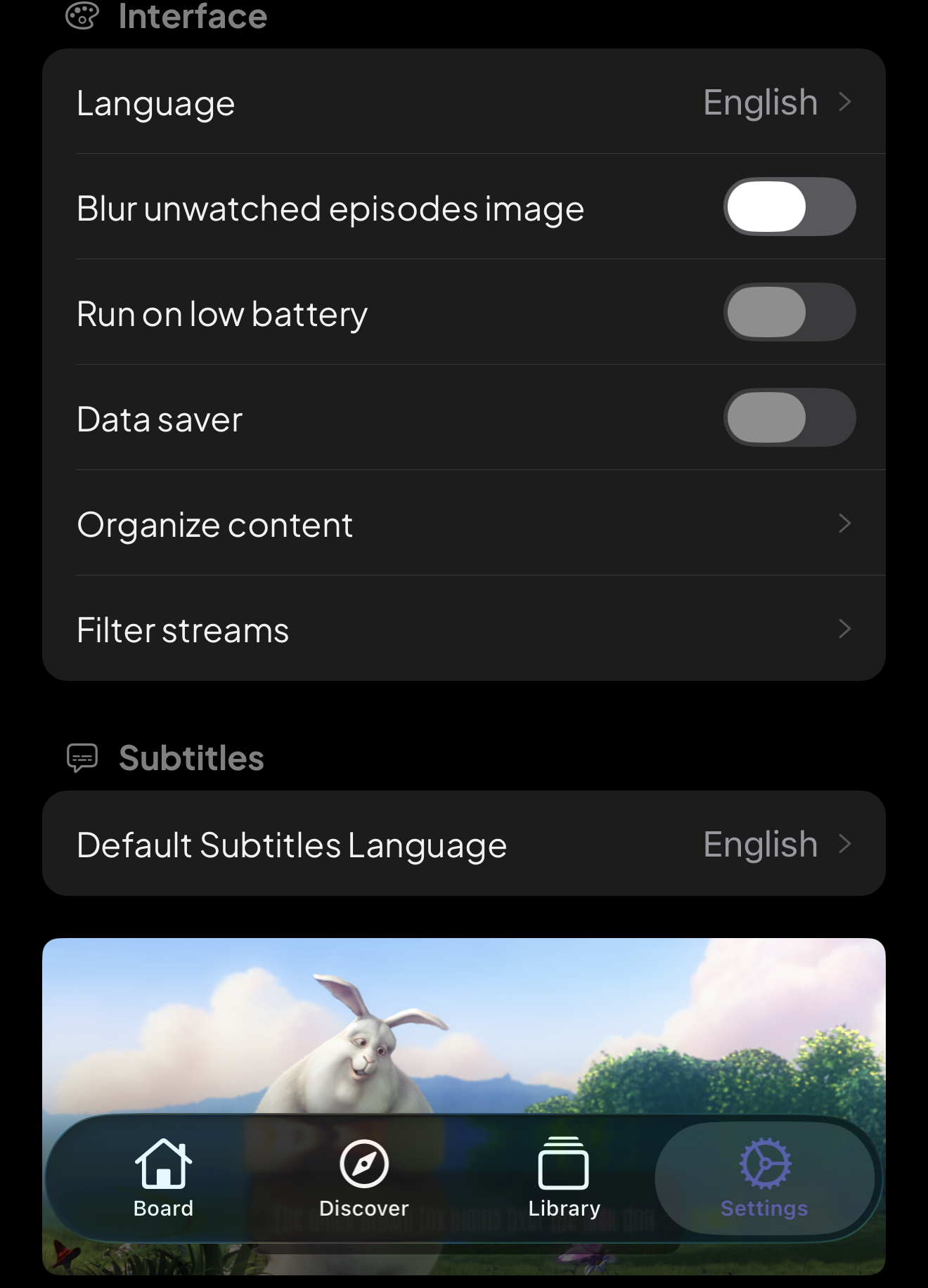
- Open the content settings from Settings → Interface → Organize content, or from the menu on the Board.
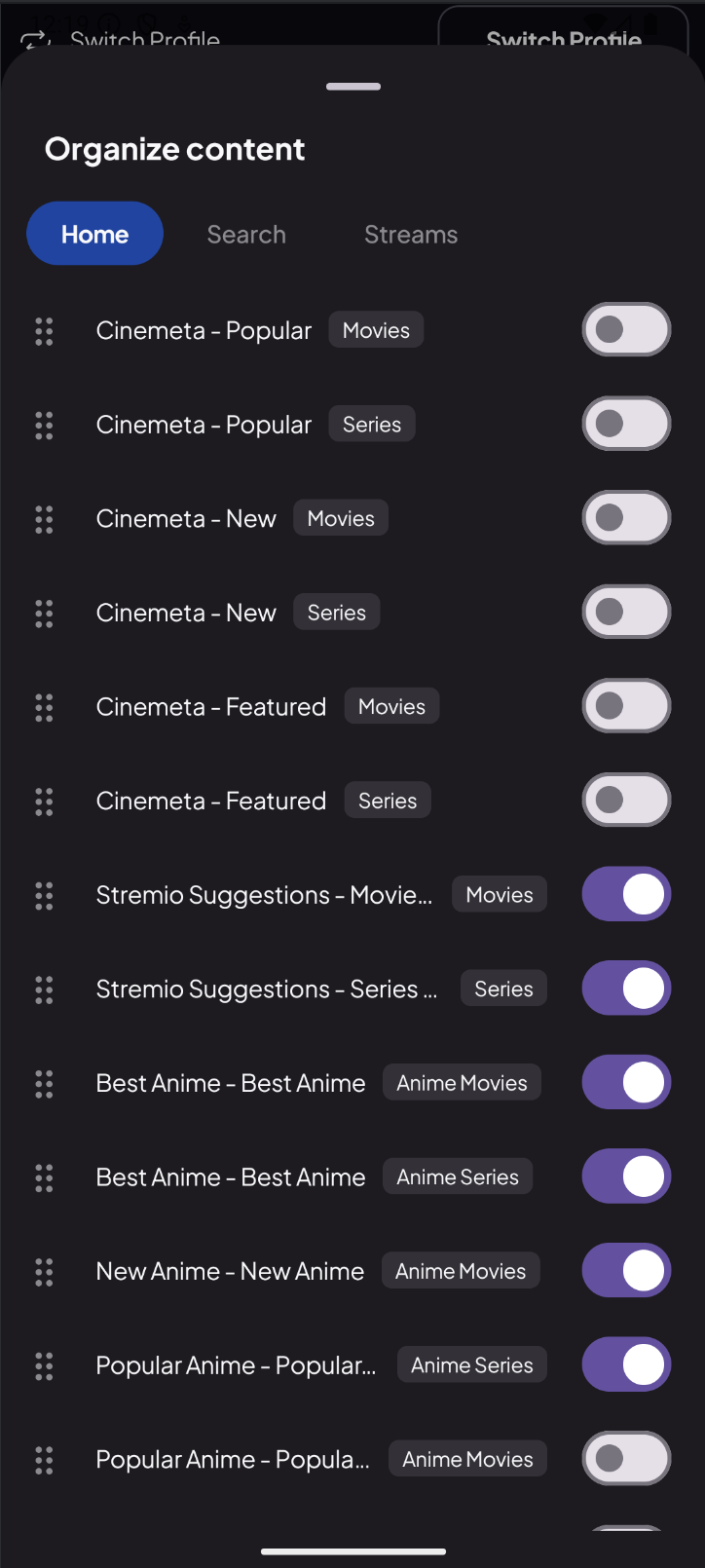
- Pick the page you're organizing (Board, Search or Streams).
- Drag to reorder, toggle the eye to hide or show, and tap a title to rename it.
- Your layout saves to your account and applies everywhere you use Stremio.
It travels to mobile and, importantly, to the TV — where a tidy, personal layout makes the biggest difference. Toggle catalogs on or off per page (Board, Search, Streams):
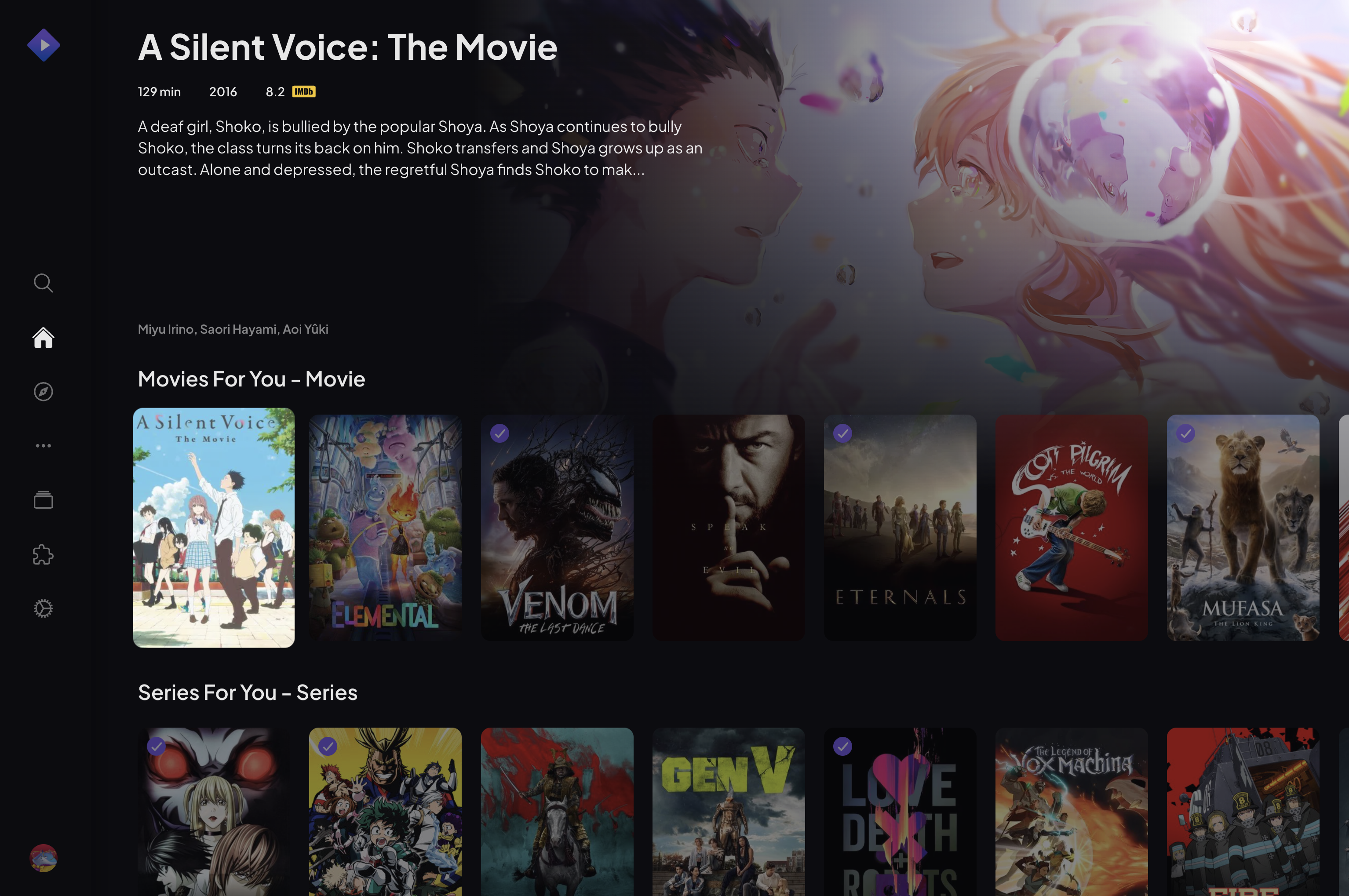
Note: Your TV displays the layout you build, even though you set it up on a phone or computer. Because everything syncs to your account, your Board looks the same on every screen.