Improved Subtitles
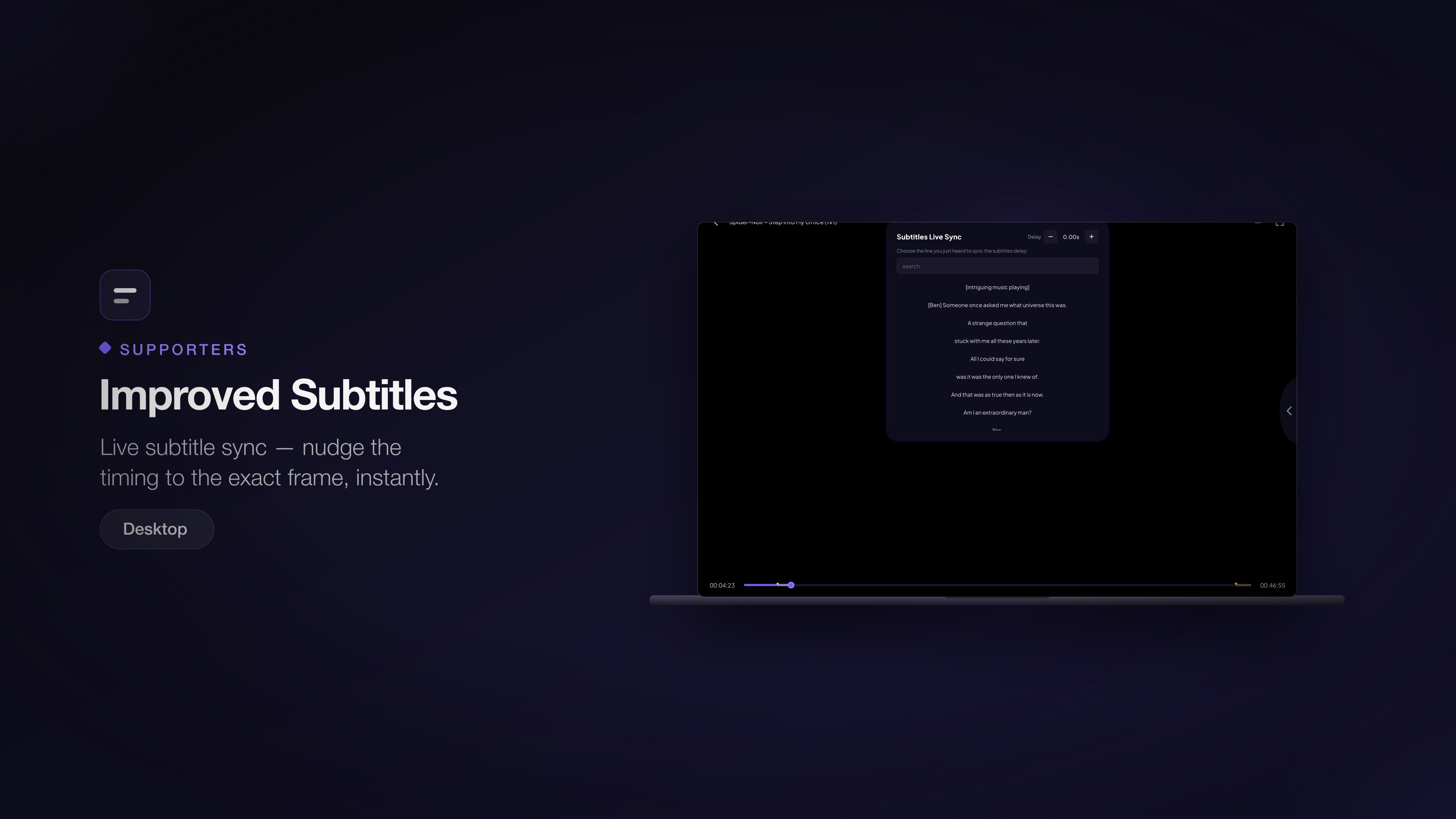
Live subtitle sync — nudge the timing to the exact frame, instantly.
Available on: Desktop
What it does
Subtitles that drift out of sync are the fastest way to ruin a film. Supporters get live subtitle sync: adjust the timing while the video plays and see the result immediately, down to the frame.
There are two ways to line subtitles up:
- Nudge the delay — step the timing forward or back in small increments
until the words match the mouths. The current offset is shown as you adjust
(for example
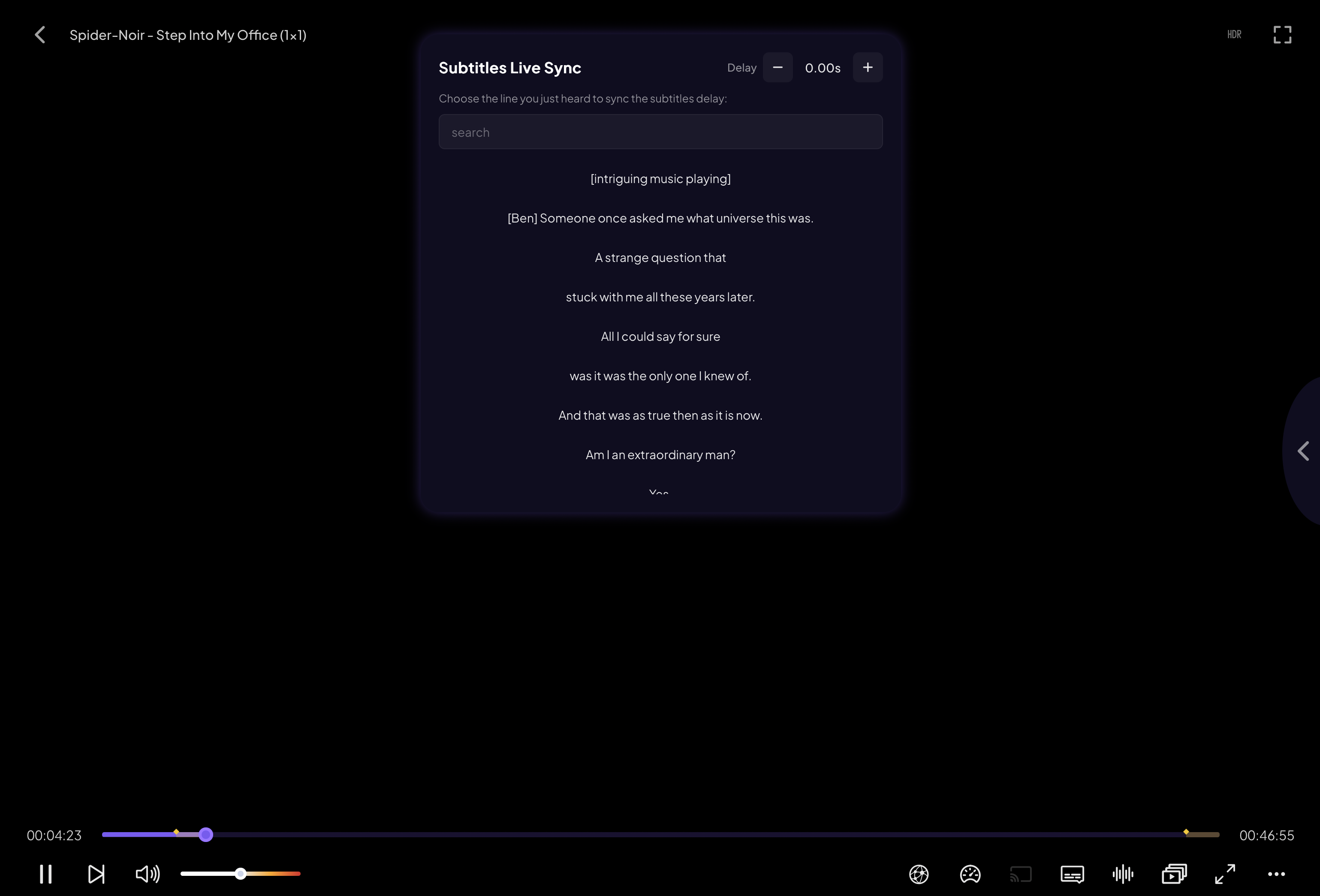
-0.25s,+1.50s). - Sync to a line — search the subtitle text for a line of dialogue you can hear, then tap it. Stremio locks that line to the moment it's spoken and the rest of the track falls into place.
How to use it
- Open the Subtitles menu in the player.
- Choose Live Sync.
- Either tap the + / − controls to nudge the timing, or search for a line you just heard and tap it to anchor the track.
- Close the menu — your adjusted timing stays applied for the rest of the stream.
Note: More subtitle improvements are on the roadmap.