Filter Streams
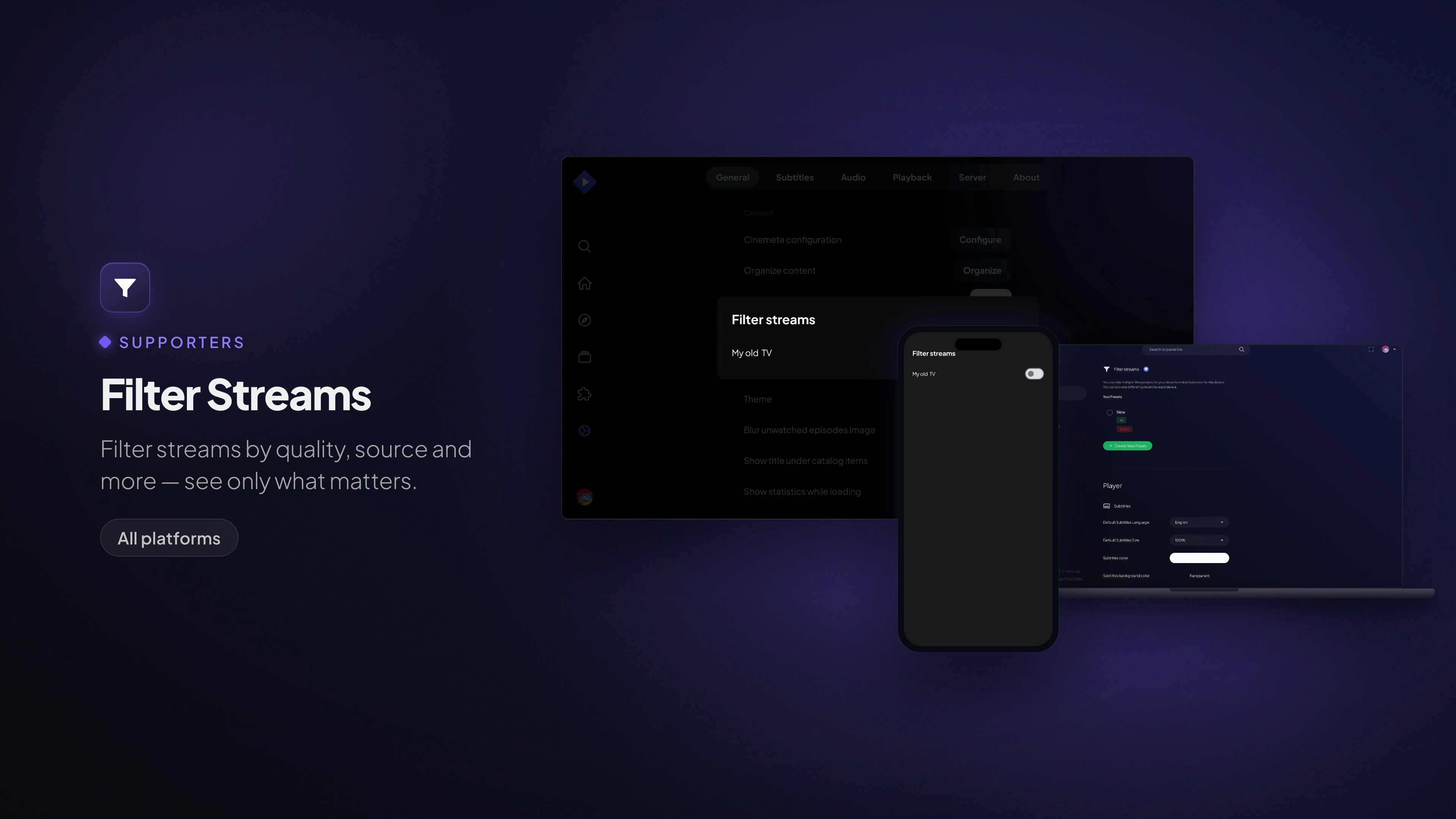
Filter streams by quality, source and more — see only what matters.
Available on: All platforms
What it does
When an add-on returns dozens of streams for one title, most of them aren't what you want. Stream presets cut the list down to only the streams worth seeing.
A preset is a named filter you build from tags:
- Include tags — only show streams that match, e.g.
4k,1080p,bluray. - Exclude tags — hide streams you never want, e.g.
cam,telesync,hdts.
Build presets like "4K only", "No cams" or "HD Bluray", then select one to apply it. Only the selected preset is active at a time, and each device can have its own selection — your TV can stay on "4K only" while your phone runs "Data saver".
How to use it
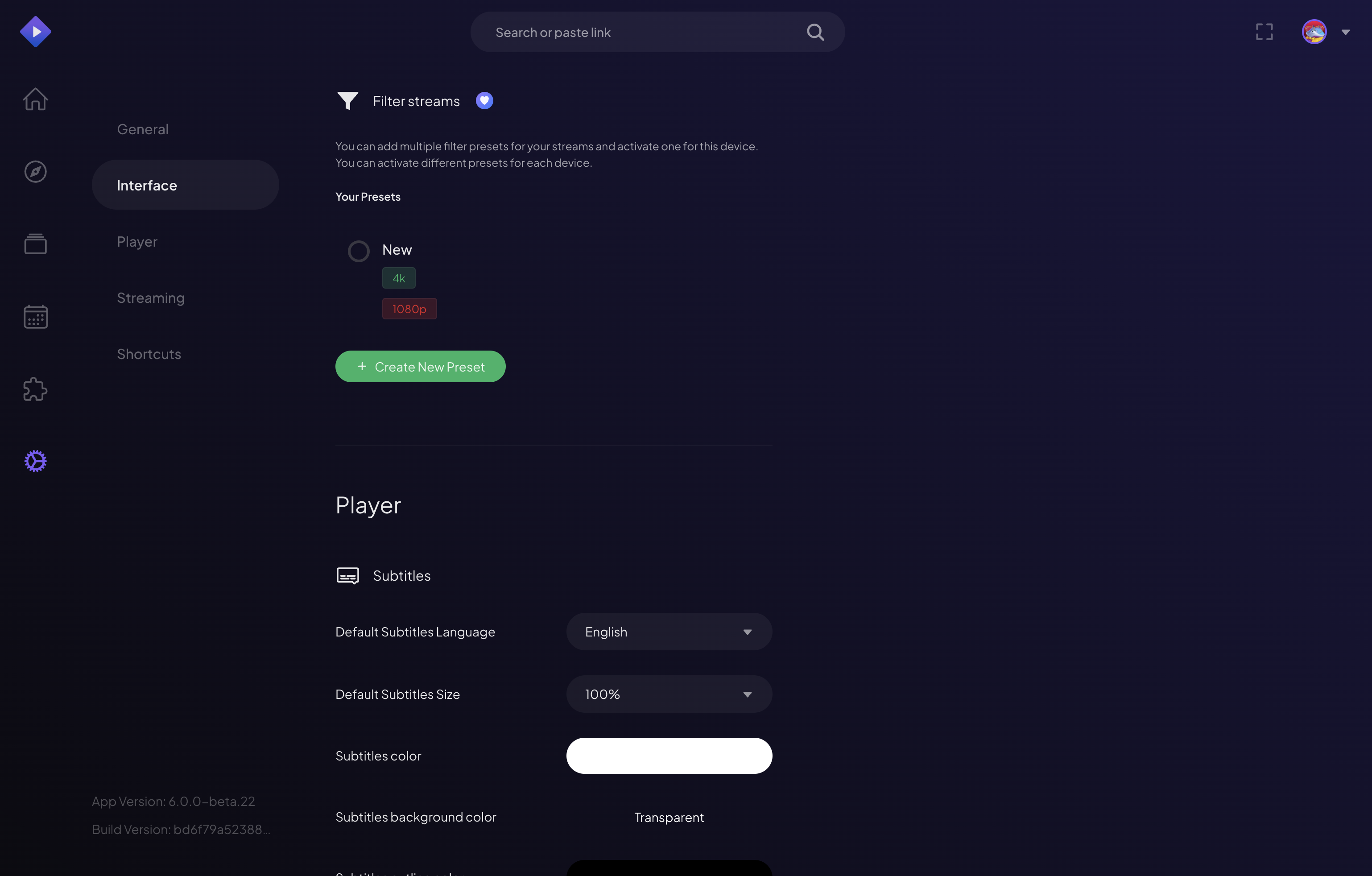
- Open Settings → Streaming → Stream Presets.
- Create a preset, give it a name, and add Include and Exclude tags (tap the common ones or type your own).
- Select the preset to make it active. From then on, stream lists only show what matches.
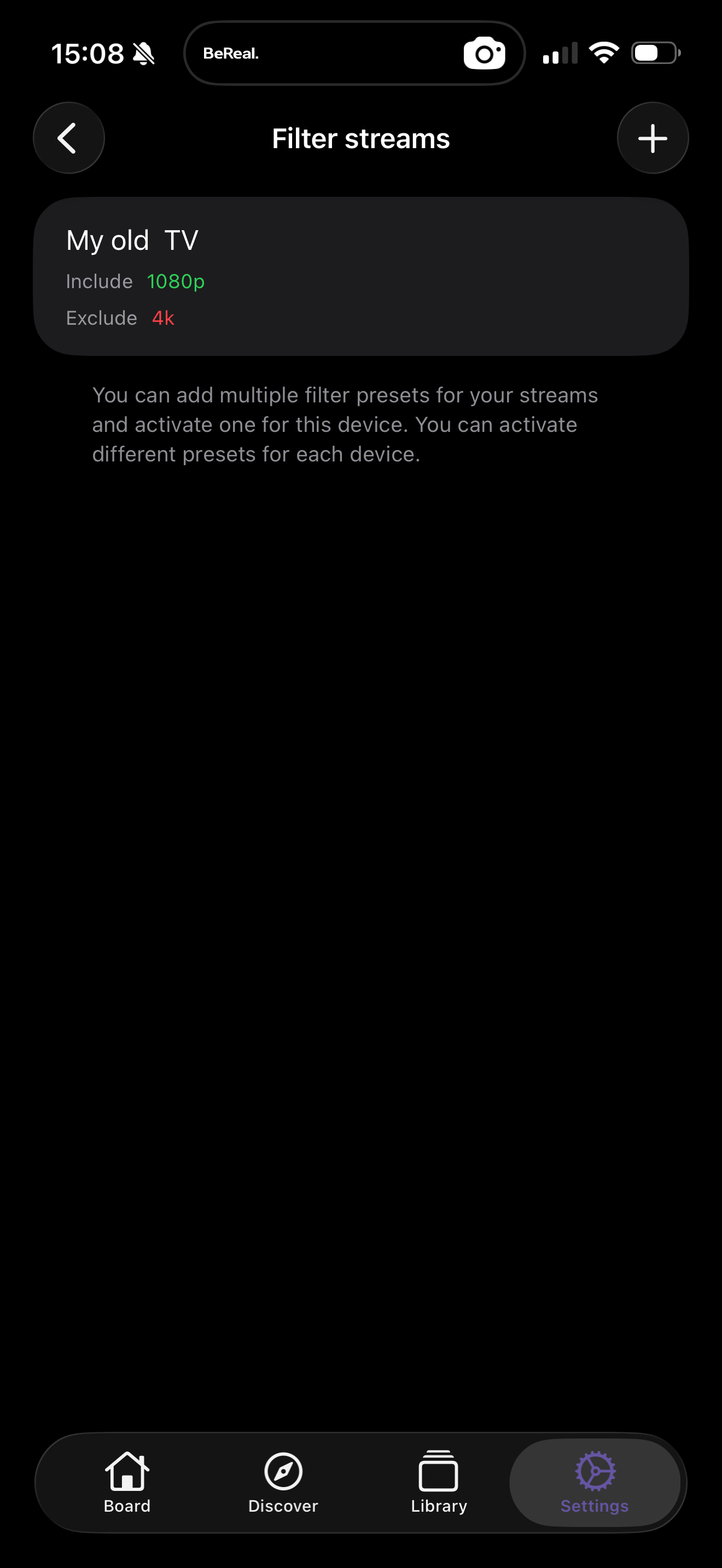
On mobile, presets are managed the same way — here a "My old TV" preset
includes 1080p and excludes 4k, active just for that device:
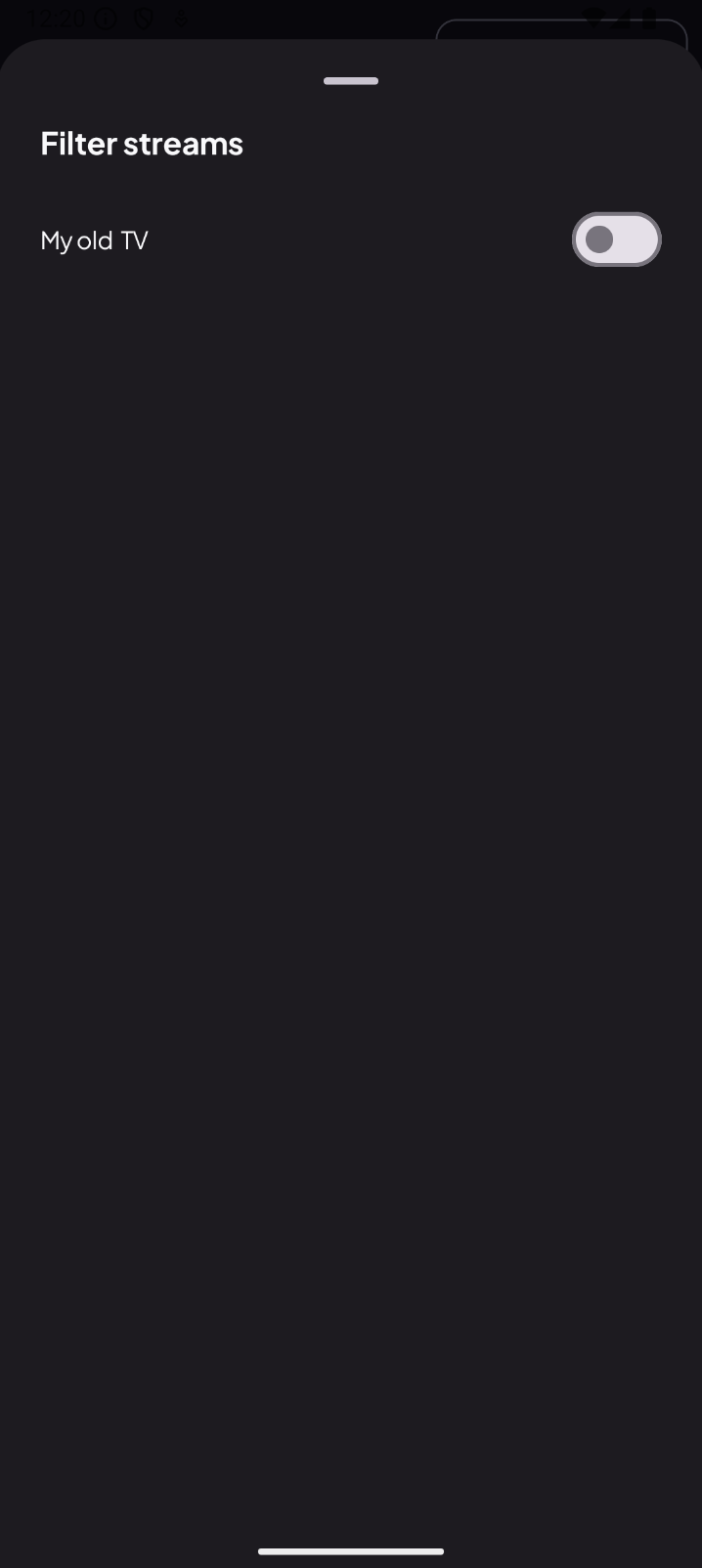
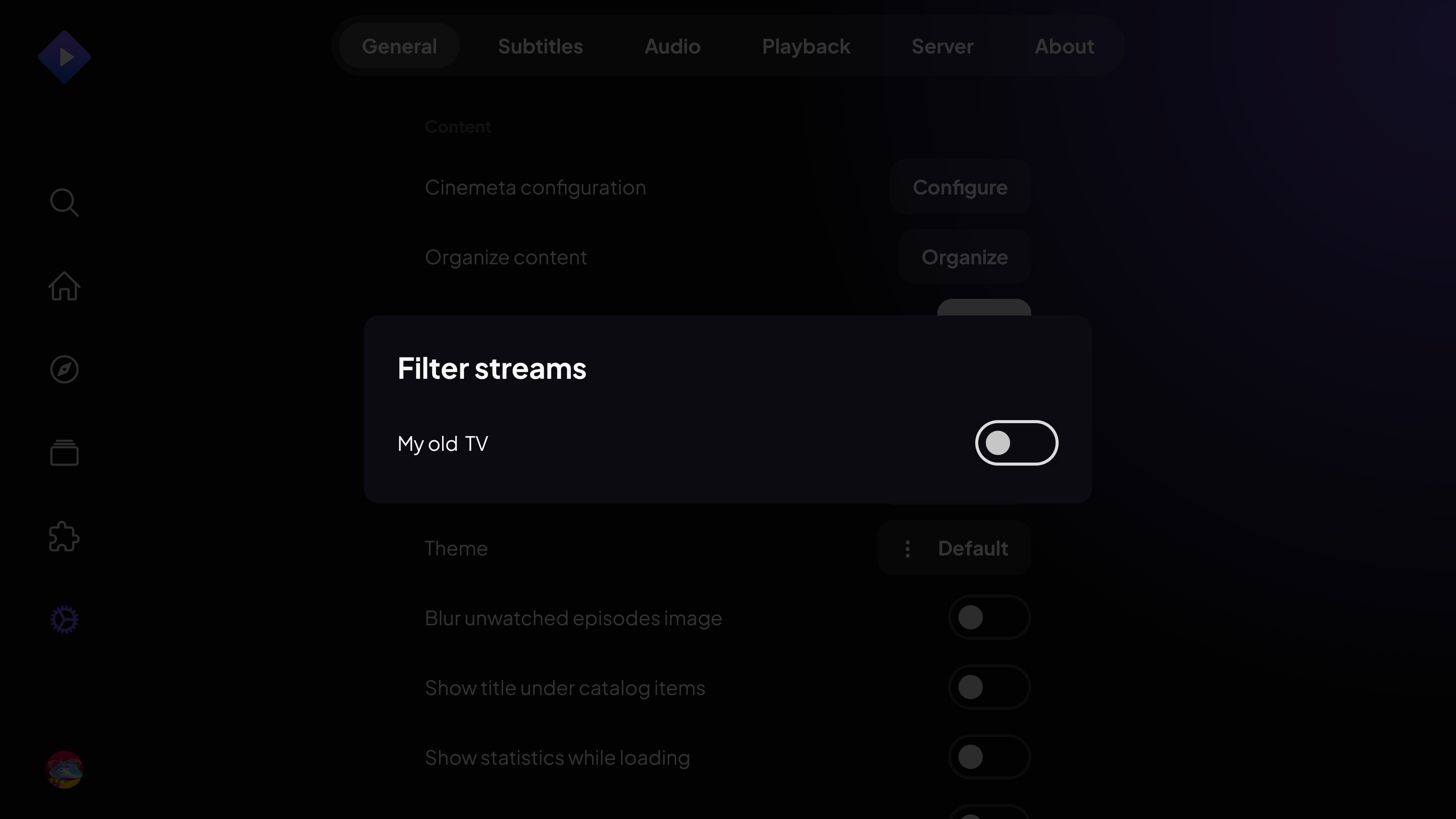
On TV you select from the presets you've already created:
Note: Create and edit presets on Web, Desktop or Mobile. TVs let you pick from your existing presets — build them once on a phone or computer and they sync across.